crenspire/yii3-react-starter
| Install | |
|---|---|
composer require crenspire/yii3-react-starter |
|
| PHP: | ^8.2 |
| License: | BSD-3-Clause |
| Last Updated: | Sep 17, 2026 |
| Links: | GitHub · Packagist |
Yii3 React Starter Kit
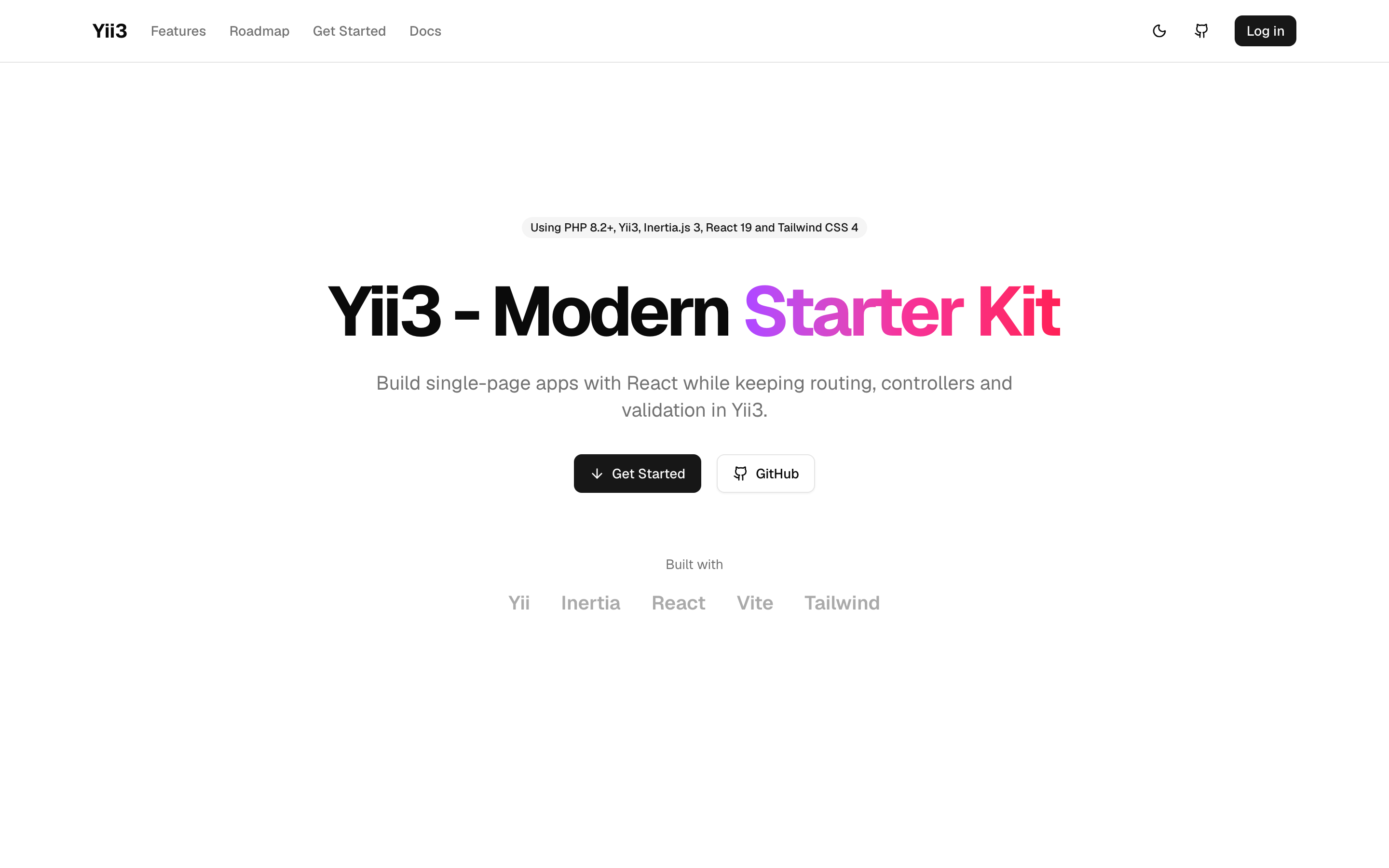
A starter kit for building single-page applications with Yii3, Inertia.js, React and shadcn/ui, while keeping routing, controllers and validation in PHP.
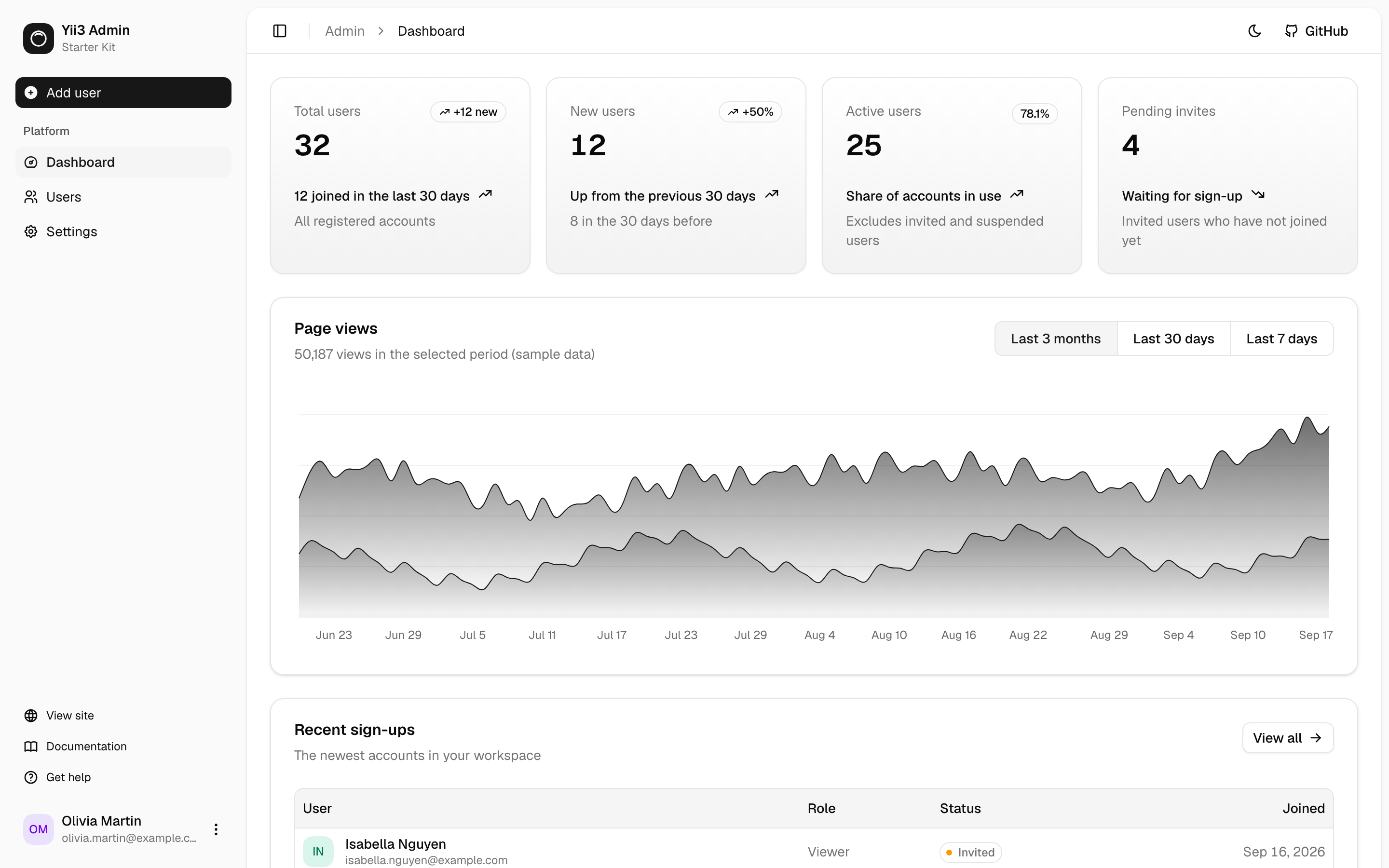
Screenshots
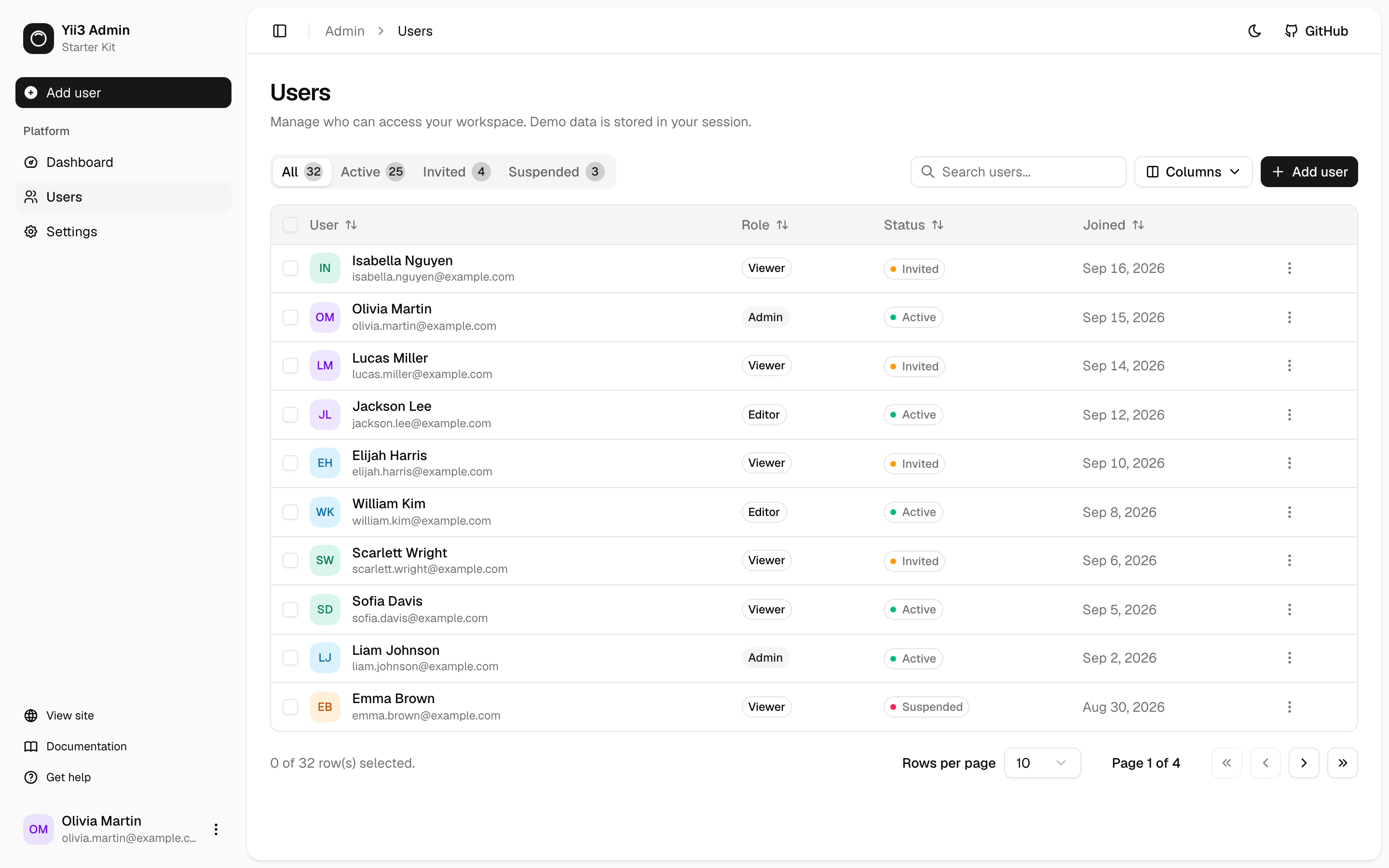
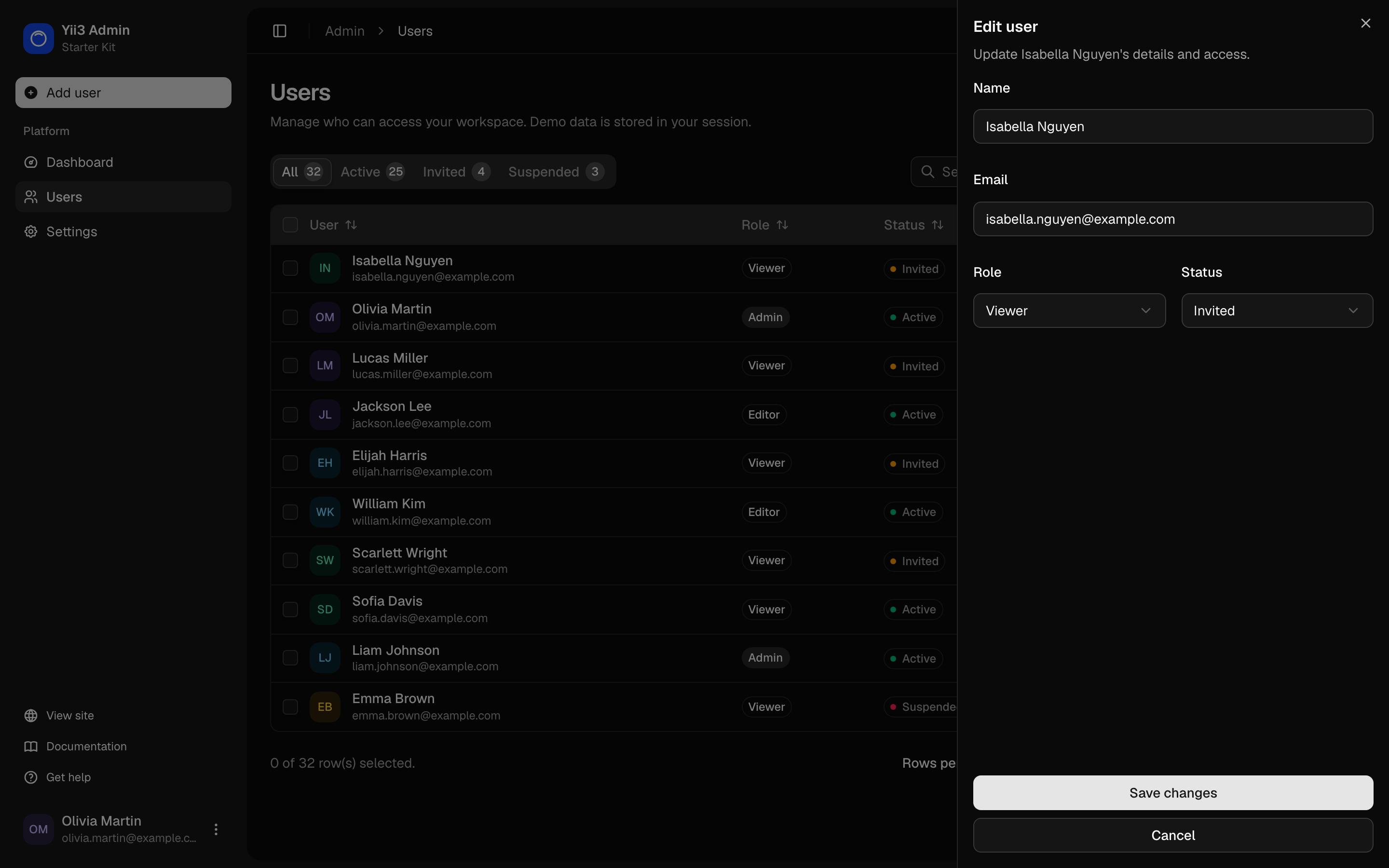
| Users | Edit user (dark theme) |
|---|---|
 |
 |
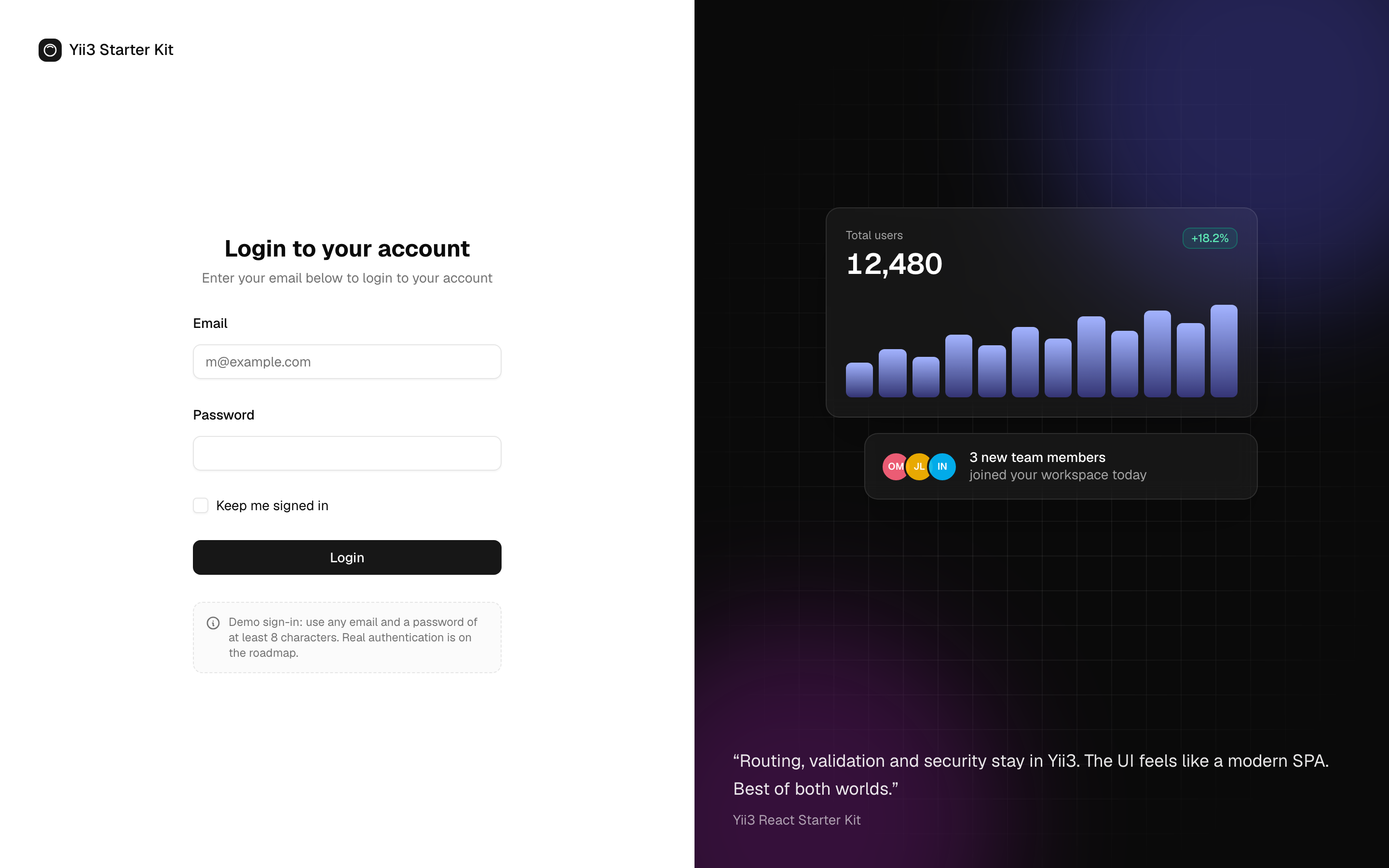
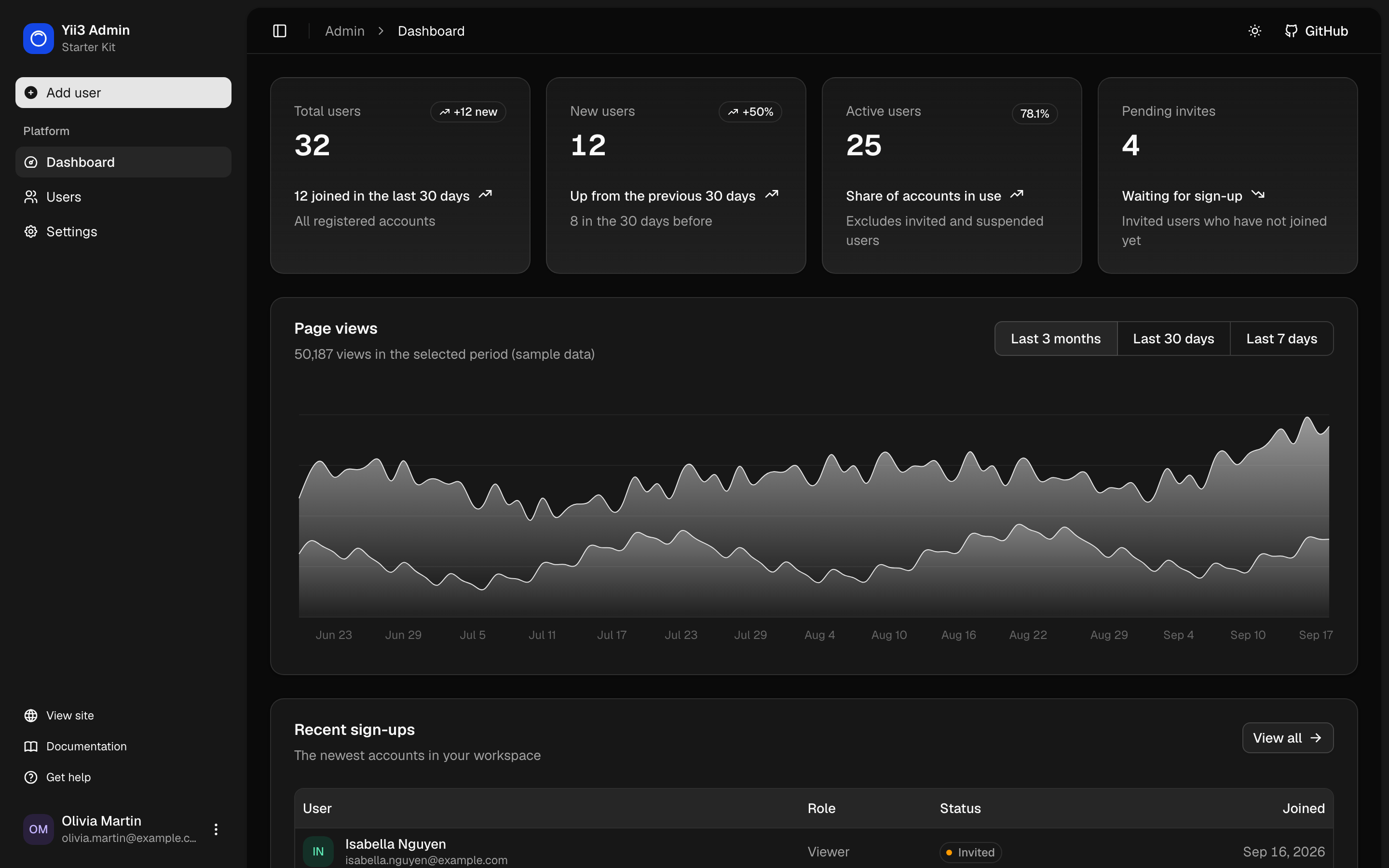
| Login | Dashboard (dark theme) |
|---|---|
 |
 |
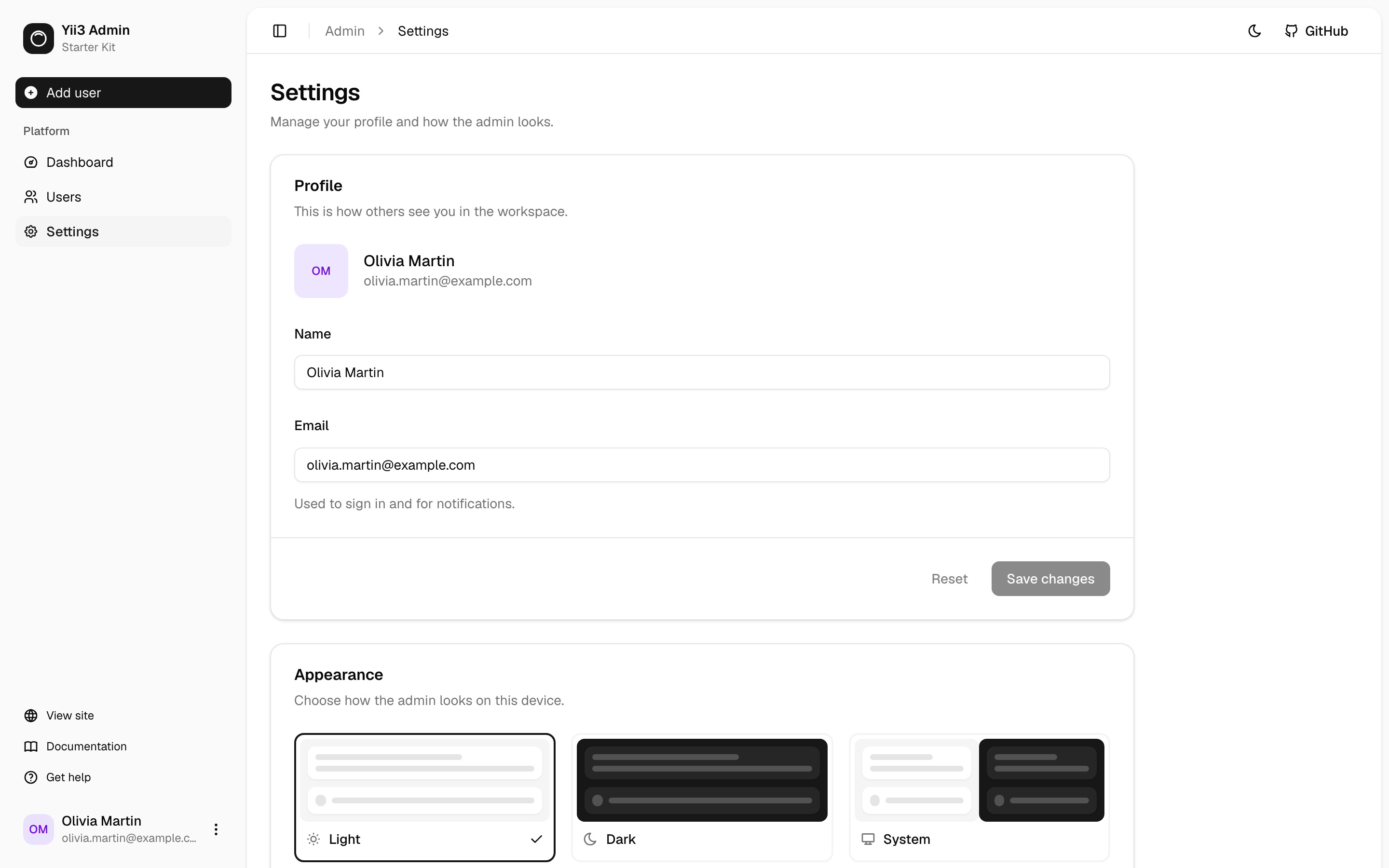
| Settings | Landing page |
|---|---|
 |
 |
What's included
- Yii3 + Inertia.js 3 through
crenspire/yii3-inertia: partial reloads, deferred props, validation errors, flash data and asset versioning - Admin dashboard built on the shadcn/ui
dashboard-01block: collapsible sidebar, KPI cards, an interactive chart, a users table with search, sorting, selection and bulk delete, and forms with server-side validation and toasts - Login page built on the shadcn/ui
login-02block - React 19 and shadcn/ui with light, dark and system themes
- Tailwind CSS 4 and Vite 8 with hot module replacement
- CSRF protection for Inertia requests through the
XSRF-TOKENcookie - Docker: FrankenPHP images for development, testing and production, and a Docker Swarm stack for deploys
- Code quality: Psalm (level 1), PHP CS Fixer, Rector and Composer Dependency Analyser
- Tests: Codeception unit, functional, console and browser suites, with helpers for testing Inertia pages
Demo sign-in. The kit has no user storage yet. Any email with a password of at least 8 characters signs you in, and admin users are kept in your session. Replace both before production, see Admin area and authentication.
Quick start
Requirements: PHP 8.2+, Composer 2, Node.js 20.19+ or 22.12+.
git clone https://github.com/crenspire/yii3-react-starter.git
cd yii3-react-starter
composer install
npm install

# In two terminals
APP_ENV=dev APP_DEBUG=true composer serve   # http://localhost:8080
npm run dev
Open http://localhost:8080, then go to /login to see the admin area.
With Docker: make build && make up, then run npm run dev on the host. See
Getting started for details.
Documentation
| Guide | What it covers |
|---|---|
| Getting started | Installation, running locally and in Docker |
| Architecture | Request flow, middleware, configuration, environment variables, project layout |
| Pages, forms and validation | Adding pages, props, forms, validation errors, redirects and toasts |
| Admin area and authentication | The admin shell, users, settings, and replacing the demo sign-in |
| Frontend | shadcn/ui, theming, dark mode, Tailwind CSS 4 and Vite |
| Testing and code quality | Test suites, testing Inertia pages, Psalm, PHP CS Fixer, Rector |
| Deployment | Production image, Docker Swarm, production checklist, workers |
Tech stack
| Backend | Frontend | Tooling |
|---|---|---|
| PHP 8.2+ | React 19 | Psalm 6 |
| Yii3 | Inertia.js 3 | PHP CS Fixer |
| crenspire/yii3-inertia | shadcn/ui (Radix UI) | Rector |
| yiisoft/validator | Tailwind CSS 4 | Codeception 5 |
| FrankenPHP (Docker) | TanStack Table, Recharts | Vite 8 |
Common commands
| Command | Description |
|---|---|
composer serve |
PHP development server on port 8080 (set APP_ENV) |
npm run dev / npm run build |
Vite dev server / production build |
APP_ENV=test composer test |
Run all test suites (run npm run build first) |
composer psalm |
Static analysis |
composer cs-check / composer cs-fix |
Check / fix code style |
composer rector |
Automated refactoring |
make help |
Docker targets for development, tests and deployment |
Roadmap
Planned, and not part of the kit yet:
- Authentication: real user accounts with password hashing, sign up, social login and roles
- Database integration, so admin data is stored in a database instead of the session
- Payments: subscription billing
- REST API with generated documentation
- AI integration structure
Contributing
Issues and pull requests are welcome at
github.com/crenspire/yii3-react-starter. Please run the tests and
composer psalm and composer cs-check before opening a pull request.
License
This project is licensed under the BSD-3-Clause license. See composer.json.
Related Packages
Servicio Linea Once starter kit for Laravel, Inertia, Vue, React, MUI, PrimeVue,...
Laravel 13 + React 19 + Inertia v3 starter kit with SSR, Tailwind CSS v4, shadcn...
Laravel Breeze & React хослолд зориулсан Shadcn/ui + Laravel paginated response-...
Laravel starter kit with common addons, including Intertia and a dashboard skele...