hardikkhorasiya09/change-password
Filament change password plugin.
6,668
2
| Install | |
|---|---|
composer require hardikkhorasiya09/change-password |
|
| Latest Version: | 1.0.0 |
| PHP: | ^8.2 |
| License: | MIT |
| Last Updated: | May 19, 2025 |
| Links: | GitHub · Packagist |
Maintainer: HardikKhorasiya09
Filament Change Password Page Plugin
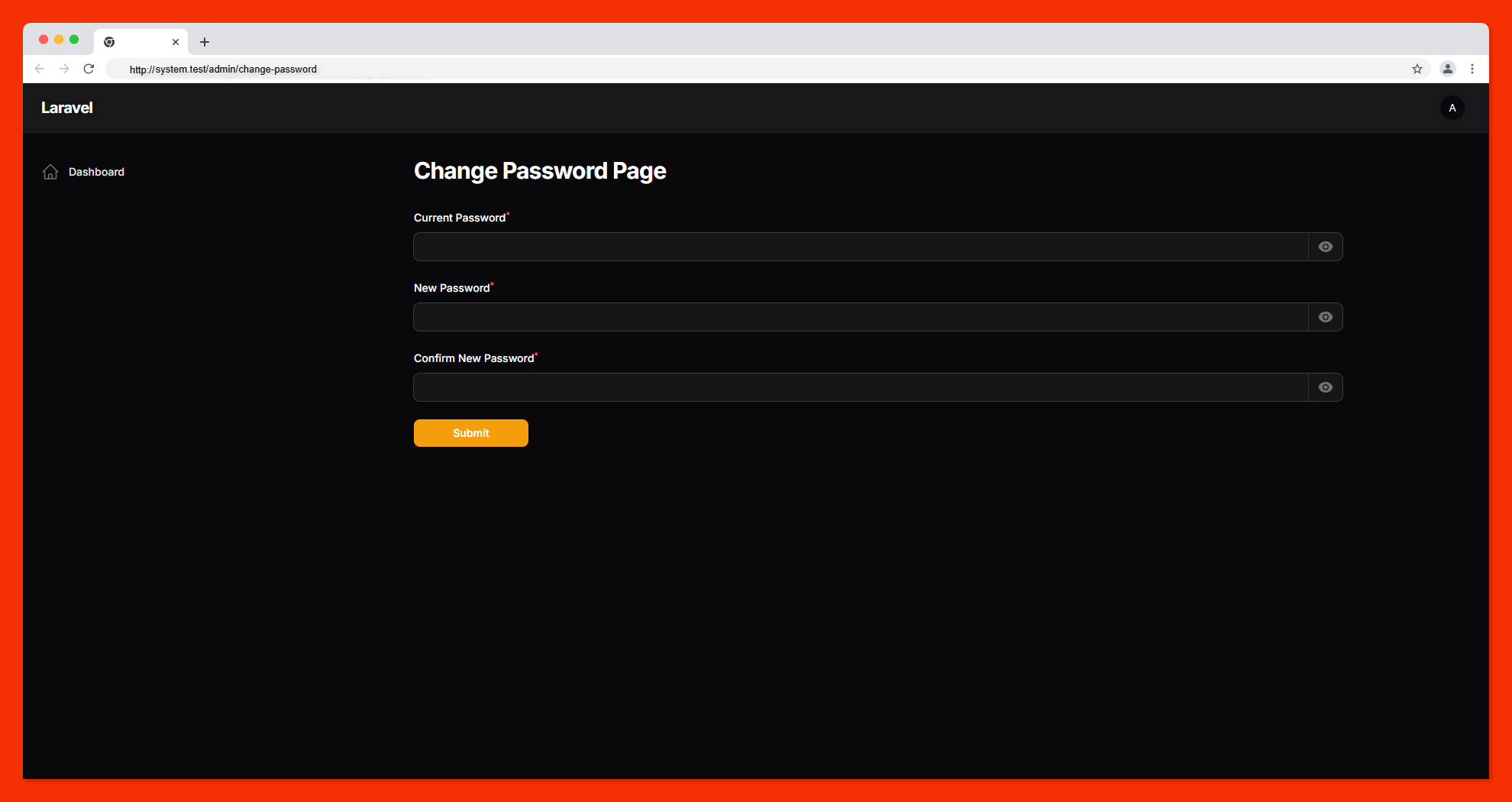
A simple and customizable filament plugin that provides a standalone Change Password page for your laravel filament admin panel.
🔗 GitHub Repository
https://github.com/HardikKhorasiya09/change-password
🚀 Features
- Adds a dedicated Change Password page to your filament panel.
- Clean, user-friendly UI.
- Easily extendable and customizable.
- Secure password update logic.
🛠 Installation and Setup
You can install this plugin via Composer.
Step 1: Install the Plugin
Run the following command to install the package via Composer:
composer require hardikkhorasiya09/change-password
Step 2: Add this into your Filament PanelProvider class panel()
use Hardikkhorasiya09\ChangePassword\ChangePasswordPlugin;

$panel->...
    ->plugins([
      ...
      ChangePasswordPlugin::make()      //required to enable this extension
    ]);
⚙️ Step 3: (Optional) Restrict Page Access by User
If you want to restrict access to the Change Password page for specific users, you can define a canAccessChangePassword() method in your User model.
// In app/Models/User.php

public function canAccessChangePassword(): bool
{
    // Example: Only allow users with 'admin' role
    return $this->role === 'admin';
}
🔐 Usage
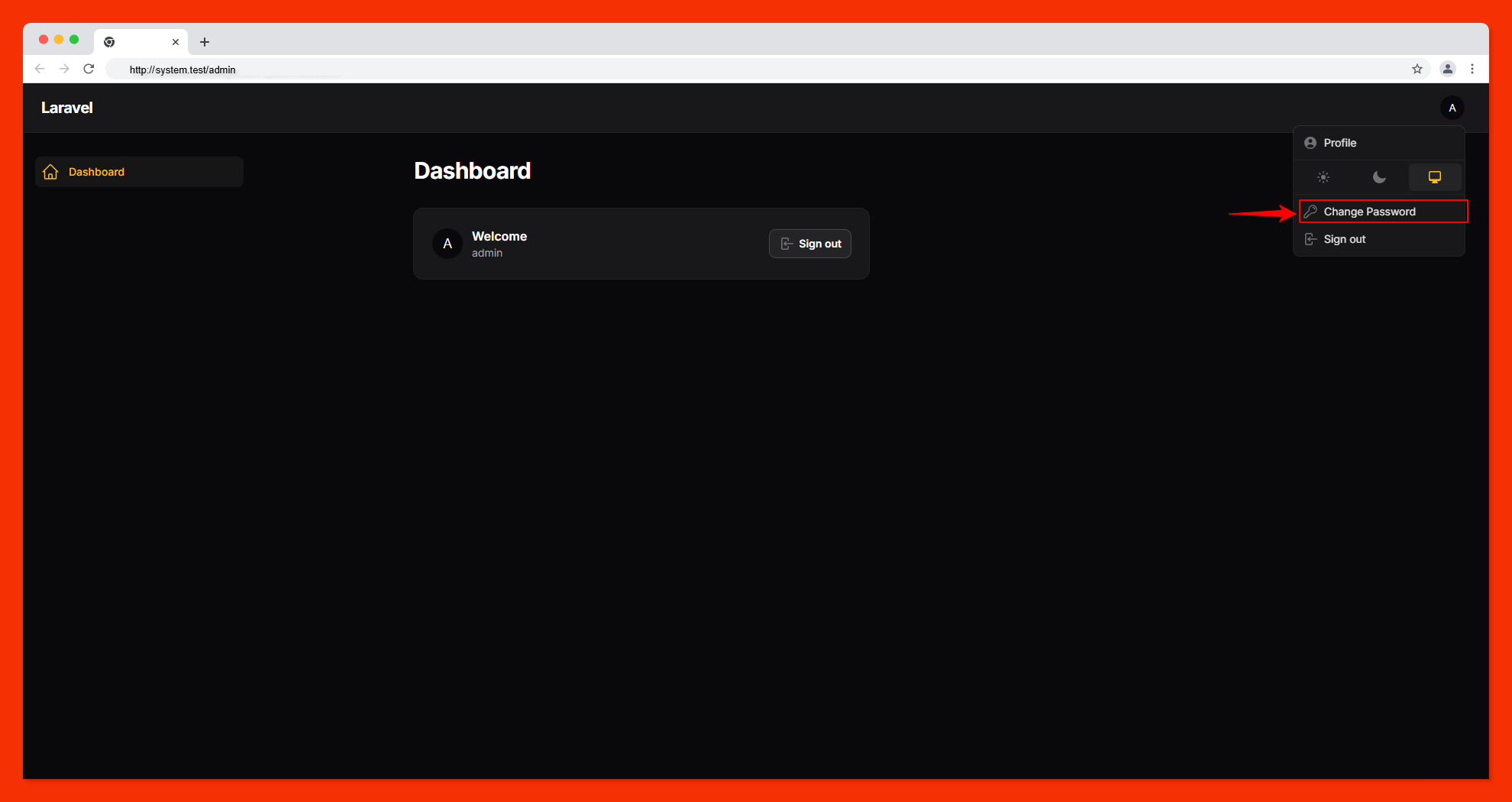
Once installed and registered, a new Change Password page will appear in the user menu (or wherever you've configured it). Users can securely change their current password using this interface.
📷 Screenshot
Related Packages
Version History
| Version | Released | PHP | License |
|---|---|---|---|
| 1.0.0 | ^8.2 | MIT |