hisee/db-digram
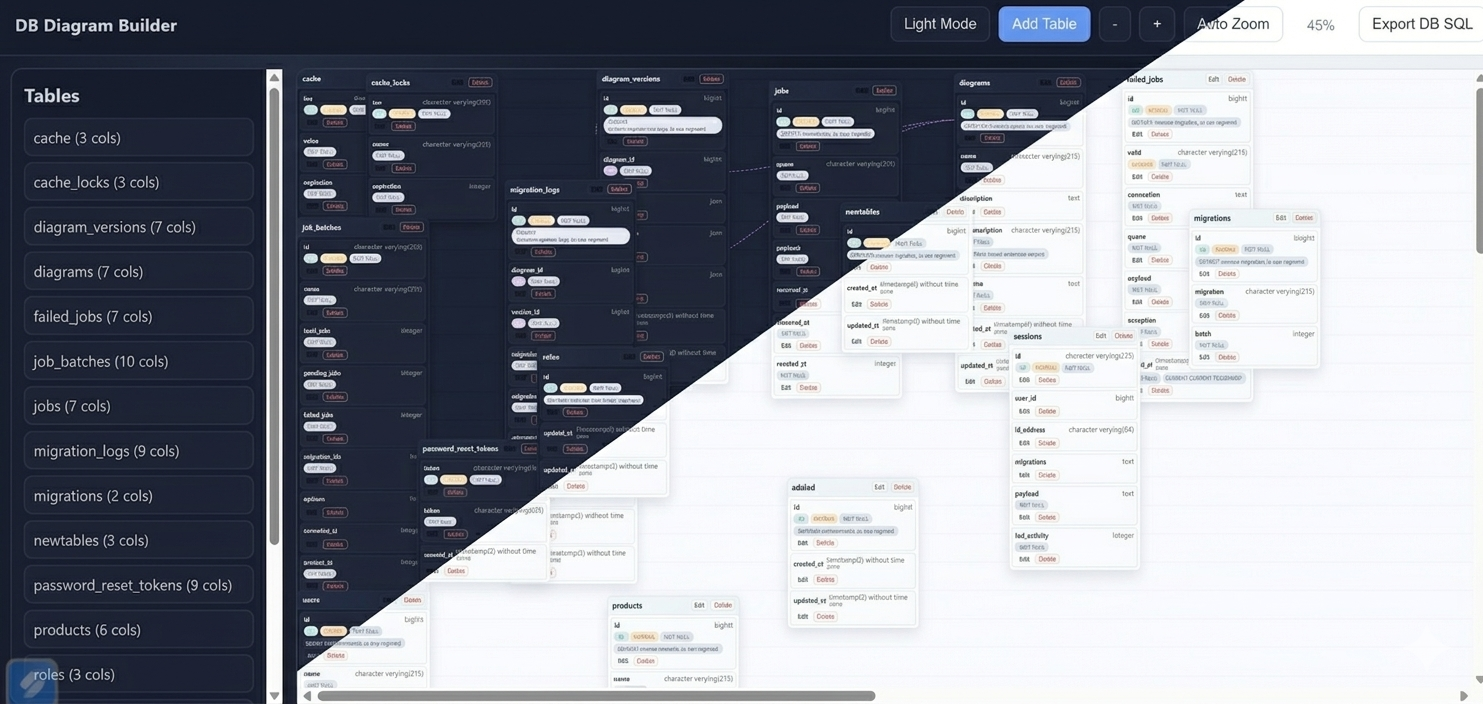
DB Digram
Interactive database diagram builder for Laravel.
This package provides a visual UI to inspect your schema, create/update/delete tables and columns, and export SQL.
Requirements
- PHP 8.2+
- Laravel 11 or 12
Installation
Use this command to install it
composer require hisee/db-digram
Service Provider
Laravel package auto-discovery is enabled, so no manual provider registration is required.
If your app has auto-discovery disabled, register the provider manually in bootstrap/providers.php:
Hussain\DBDigram\DbDigramServiceProvider::class,
Publish Config
After installation, publish the package config file:
php artisan vendor:publish --tag=db-digram-config
This creates config/db-digram.php in your app where you can enable/disable the package:
return [
	'enabled' => true,
	'auth' => [
		'enabled' => false,
		'email' => '',
		'password' => '',
		'realm' => 'DB Diagram Access',
	],
];
You can also configure these values in .env:
DB_DIGRAM_AUTH_ENABLED=true
DB_DIGRAM_AUTH_EMAIL=admin@example.com
DB_DIGRAM_AUTH_PASSWORD=secret-password
DB_DIGRAM_AUTH_REALM="DB Diagram Login"
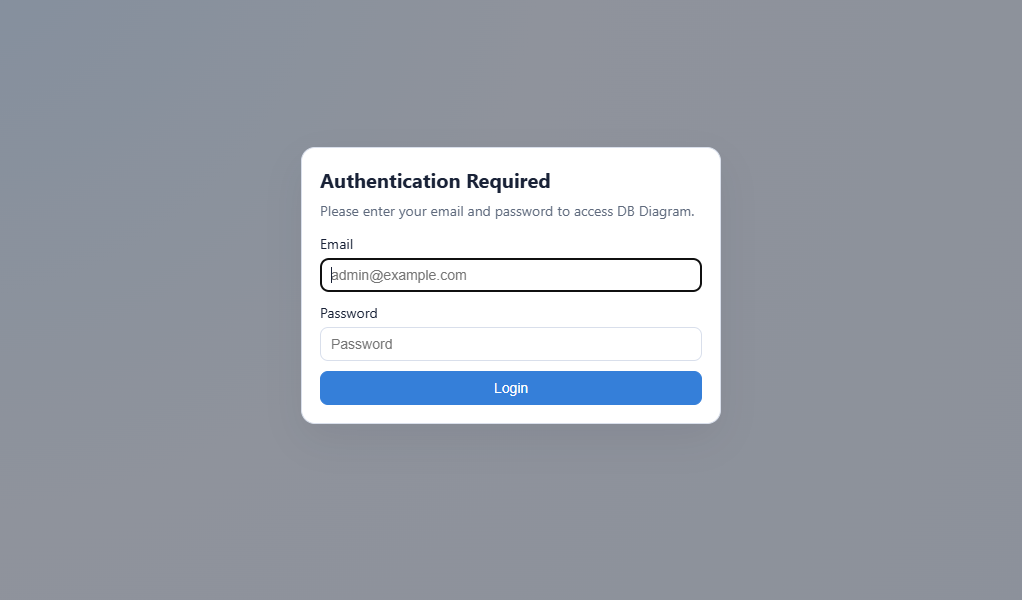
When auth is enabled, the page shows a login modal before the diagram is displayed.
Usage
Start your app and open:
- /diagram
Main capabilities in the UI:
- View current database schema
- Add table
- Edit table name and table columns
- Delete table
- Add/edit/delete columns
- Define foreign key relationships
- Zoom controls and auto zoom
- Export schema SQL
- Toggle dark and light mode
Important Notes
- Schema actions create migration files in your host app under database/migrations.
- Table and column changes are applied by running migrations internally.
- Use carefully in production environments.
- Keep backups before destructive schema changes.
Related Packages
Generate Mermaid.js ER diagrams from your Laravel database schema
A Laravel/Livewire ER-diagram editor that turns visual database designs into rel...
Version History
| Version | Released | PHP | Laravel | License |
|---|---|---|---|---|
| v1.5.0 | ^8.2 | ^11.0| | MIT | |
| v1.4.0 | ^8.2 | ^11.0| | MIT | |
| v1.3.0 | ^8.2 | ^11.0| | MIT | |
| v1.2.0 | ^8.2 | ^11.0| | MIT | |
| v1.1.0 | ^8.2 | ^11.0| | MIT | |
| v1.0.0 | ^8.2 | ^12.0 | MIT |