lomkit/laravel-access-control
A package to help you manage your laravel application access rights.
20,437
5
| Install | |
|---|---|
composer require lomkit/laravel-access-control |
|
| Latest Version: | v0.6.0 |
| PHP: | ^8.2 |
| Laravel: | 12 · 13 |
| Older releases: | 11 |
| License: | MIT |
| Last Updated: | Sep 27, 2026 |
| Links: | GitHub · Packagist |
Maintainer: GautierDele
Laravel Access Control
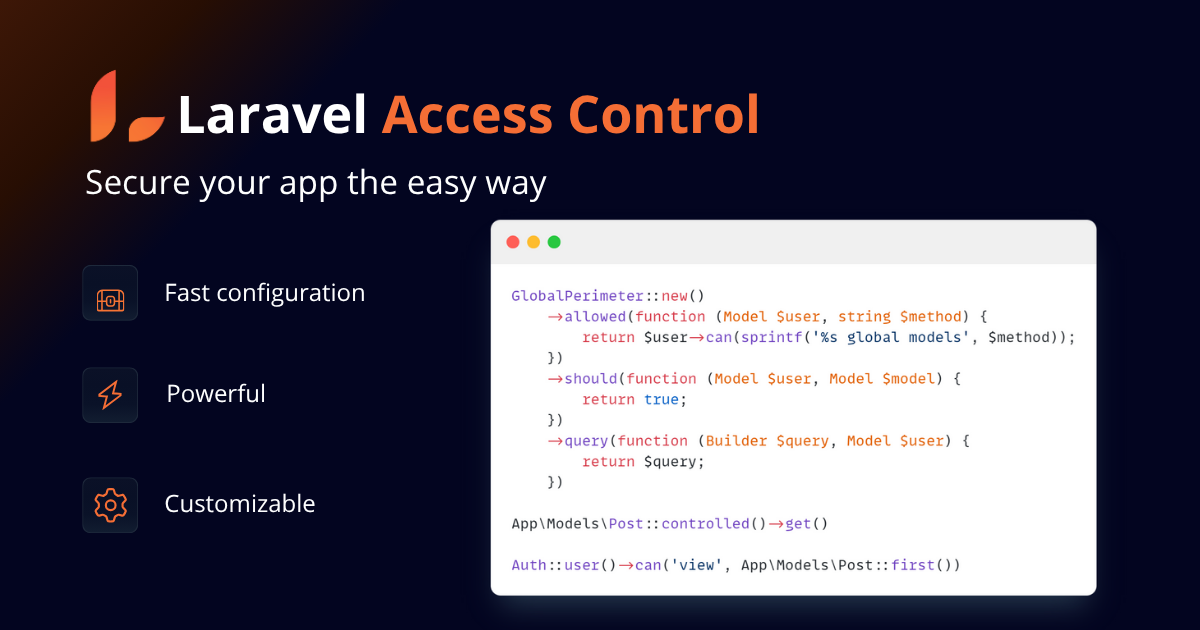
Laravel Access Control allows you to fully secure your application in two key areas: Policies and Queries. Manage everything in one place!
Requirements
PHP 8.2+ and Laravel 12+
Documentation, Installation, and Usage Instructions
See the documentation for detailed installation and usage instructions.
What it does
You first need to define the perimeters concerned by your applications.
Create the model control:
class PostControl extends Control
{
    protected function perimeters(): array
    {
        return [
            GlobalPerimeter::new()
                ->allowed(function (Model $user, string $method) {
                    return $user->can(sprintf('%s global models', $method));
                })
                ->should(function (Model $user, Model $model) {
                    return true;
                })
                ->query(function (Builder $query, Model $user) {
                    return $query;
                }),
            ClientPerimeter::new()
                ->allowed(function (Model $user, string $method) {
                    return $user->can(sprintf('%s client models', $method));
                })
                ->should(function (Model $user, Model $model) {
                    return $model->client()->is($user->client);
                })
                ->query(function (Builder $query, Model $user) {
                    return $query->where('client_id', $user->client->getKey());
                }),
        // ...
Specify the control in your model:
class Post extends Model
{
    use HasControl;
}
Then set up your policy:
class PostPolicy extends ControlledPolicy
{
    protected string $model = Post::class;
}
and you are ready to go !
App\Models\Post::controlled()->get() // Apply the Control to the query

$user->can('view', App\Models\Post::first()) // Check if the user can view the post according to the policy
A controlled query run without an authenticated user returns no rows.
Related Packages
Version History
| Version | Released | PHP | Laravel | License |
|---|---|---|---|---|
| v0.6.0 | ^8.2 | ^12.0| | MIT | |
| v0.5.0 | ^8.2 | ^11.0| | MIT | |
| v0.4.1 | ^8.2 | ^11.0| | MIT | |
| v0.4.0 | ^8.2 | ^11.0| | MIT | |
| v0.3.2 | ^8.2 | ^11.0| | MIT | |
| v0.3.1 | ^8.2 | ^11.0| | MIT | |
| v0.3.0 | ^8.2 | ^11.0| | MIT | |
| v0.2.0 | ^8.2 | ^11.0| | MIT | |
| v0.1.6 | ^8.2 | ^11.0| | MIT | |
| v0.1.5 | ^8.2 | ^11.0| | MIT | |
| v0.1.4 | ^8.2 | ^11.0| | MIT | |
| v0.1.3 | ^8.2 | ^11.0| | MIT | |
| v0.1.2 | ^8.2 | ^11.0| | MIT | |
| v0.1.1 | ^8.2 | ^11.0| | MIT | |
| v0.1.0 | ^8.2 | ^11.0| | MIT |