spykapps/filament-uppy-upload
| Install | |
|---|---|
composer require spykapps/filament-uppy-upload |
|
| Latest Version: | v1.0.1 |
| PHP: | ^8.1 |
| License: | MIT |
| Last Updated: | Mar 25, 2026 |
| Links: | GitHub · Packagist |
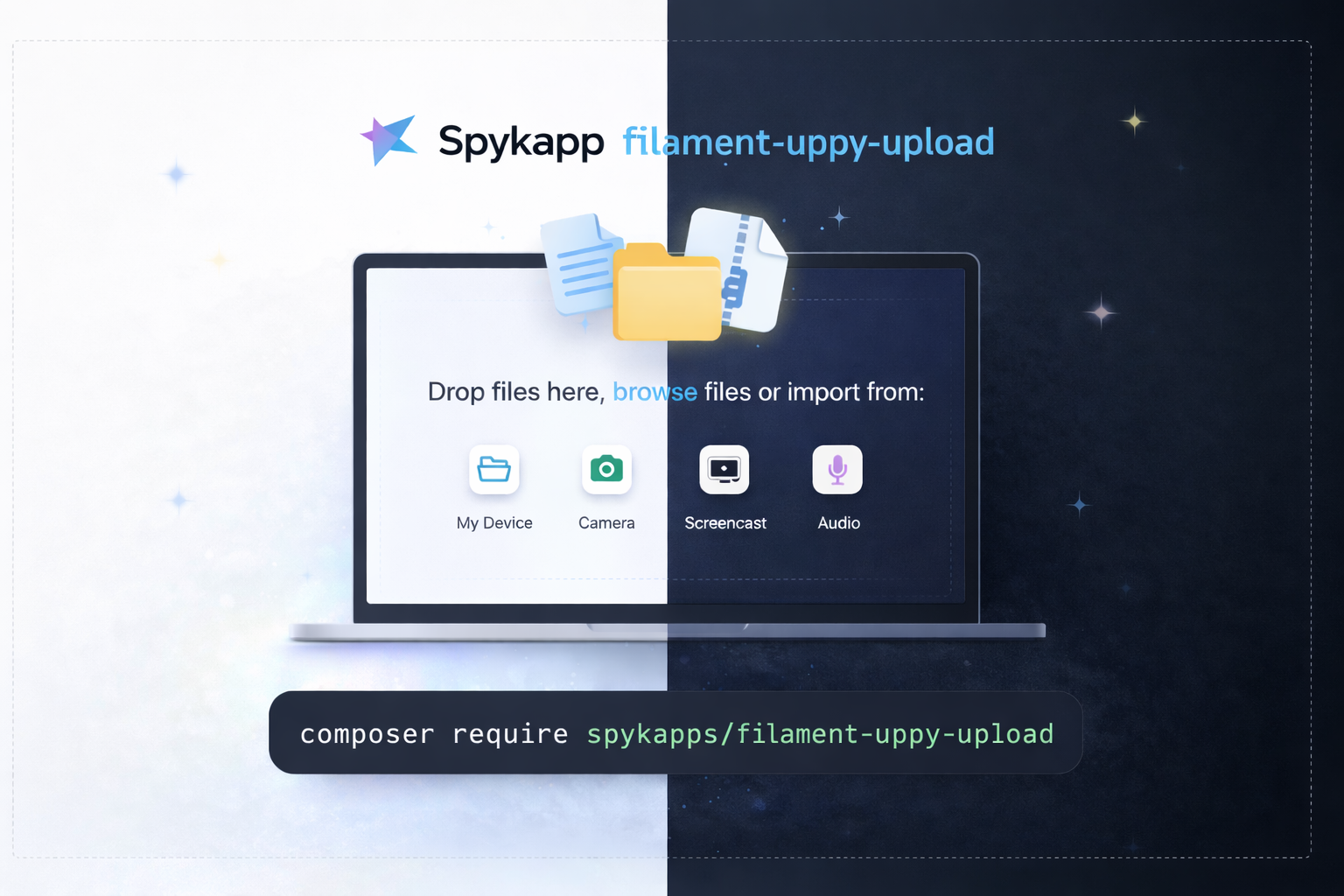
Filament Uppy Upload

A powerful chunked file upload field for Filament 4 & 5 using Uppy.js.
Features
- Chunked uploads — large files through Cloudflare/nginx (5MB chunks)
- S3 compatible — any Laravel disk: local, public, S3, GCS, DO Spaces
- Remote sources — Google Drive, OneDrive, Dropbox via Companion
- Built-in plugins — Webcam, Screen Capture, Audio, Image Editor, Compressor
- Multilingual — 11 languages included, auto-detects locale
- Dark mode — follows Filament theme, not OS
- Modal support — proper z-index in Filament modals
- Single & multiple — smart UI for both modes
- Zero build step — CDN-loaded, no npm needed
Installation
composer require spykapps/filament-uppy-upload
Publish and register Filament assets:
php artisan filament:assets
Publishing (optional)
Publish config:
php artisan vendor:publish --tag="uppy-upload-config"
This creates config/uppy-upload.php where you can set defaults for disk, directory, chunk size, companion URL, and more.
Publish translations:
php artisan vendor:publish --tag="uppy-upload-translations"
This creates lang/vendor/uppy-upload/{locale}/uppy.php files for all included languages. Edit them to customize any string.
Publish views:
php artisan vendor:publish --tag="uppy-upload-views"
This creates resources/views/vendor/uppy-upload/ so you can customize the Blade template and CSS.
Publish everything at once:
php artisan vendor:publish --provider="SpykApp\UppyUpload\UppyUploadServiceProvider"
Usage
Basic (single file)
use SpykApp\UppyUpload\Forms\Components\UppyUpload;

UppyUpload::make('document')
    ->directory('documents')
Multiple files
UppyUpload::make('attachments')
    ->multiple()
    ->maxFiles(10)
    ->directory('attachments')
Image upload with editor
UppyUpload::make('avatar')
    ->image()
    ->imageEditor()
    ->maxFileSize(5 * 1024 * 1024)
    ->directory('avatars')
S3 upload
UppyUpload::make('files')
    ->disk('s3')
    ->directory('uploads')
    ->multiple()
With remote sources
UppyUpload::make('files')
    ->companionUrl('https://companion.yoursite.com')
    ->remoteSources(['GoogleDrive', 'OneDrive', 'Url'])
    ->directory('imports')
ZIP files only
UppyUpload::make('archive')
    ->acceptedFileTypes(['application/zip', 'application/x-zip-compressed'])
    ->maxFileSize(500 * 1024 * 1024)
    ->directory('archives')
All options
UppyUpload::make('files')
    ->disk('s3')                          // Any Laravel disk
    ->directory('uploads')                 // Storage directory
    ->multiple()                           // Allow multiple files
    ->maxFiles(20)                         // Max number of files
    ->minFiles(1)                          // Min number of files
    ->maxFileSize(100 * 1024 * 1024)       // 100MB max per file
    ->chunkSize(5 * 1024 * 1024)           // 5MB chunks
    ->acceptedFileTypes(['image/*'])       // MIME types
    ->webcam(false)                        // Disable webcam
    ->screenCapture(false)                 // Disable screen capture
    ->audio(false)                         // Disable audio recording
    ->imageEditor(true)                    // Enable image editor
    ->autoOpenFileEditor()                 // Auto-open editor for images
    ->dragDrop(true)                       // Full-page drag & drop
    ->height(400)                          // Dashboard height in px
    ->theme('auto')                        // 'auto', 'light', or 'dark'
    ->locale('fr')                         // Override locale
    ->note('Upload your documents here')   // Custom note text
    ->companionUrl('https://...')          // Companion URL
    ->remoteSources(['GoogleDrive'])       // Remote sources
    ->uploadEndpoint('/custom/upload')     // Custom upload URL
    ->deleteEndpoint('/custom/delete')     // Custom delete URL
Panel Plugin (optional)
Set panel-level defaults so you don't repeat config on every field:
use SpykApp\UppyUpload\UppyUploadPlugin;

public function panel(Panel $panel): Panel
{
    return $panel
        ->plugin(
            UppyUploadPlugin::make()
                ->companionUrl('https://companion.yoursite.com')
                ->disk('s3')
        );
}
Configuration
After publishing, edit config/uppy-upload.php:
return [
    'disk' => env('UPPY_UPLOAD_DISK', 'public'),
    'directory' => env('UPPY_UPLOAD_DIRECTORY', 'uploads'),
    'chunk_size' => env('UPPY_UPLOAD_CHUNK_SIZE', 5 * 1024 * 1024),
    'route_prefix' => env('UPPY_UPLOAD_ROUTE_PREFIX', 'uppy'),
    'middleware' => ['web'],
    'companion_url' => env('UPPY_COMPANION_URL', null),
    'remote_sources' => ['GoogleDrive', 'OneDrive', 'Dropbox', 'Url'],
    'uppy_version' => env('UPPY_VERSION', '5.2.1'),
];
Or use .env:
UPPY_UPLOAD_DISK=s3
UPPY_UPLOAD_DIRECTORY=uploads
UPPY_COMPANION_URL=https://companion.yoursite.com
Companion Server (for remote sources)
Required only if you want Google Drive, OneDrive, Dropbox support.
docker run -d \
  --name companion \
  --restart unless-stopped \
  -p 127.0.0.1:3890:3890 \
  -v companion_data:/output \
  -e COMPANION_PORT=3890 \
  -e COMPANION_SECRET=your-secret-here \
  -e COMPANION_DOMAIN=companion.yoursite.com \
  -e COMPANION_PROTOCOL=https \
  -e COMPANION_DATADIR=/output \
  -e COMPANION_UPLOAD_URLS="https://yoursite.com/uppy/.*" \
  -e COMPANION_GOOGLE_KEY=your-google-client-id \
  -e COMPANION_GOOGLE_SECRET=your-google-secret \
  -e COMPANION_ONEDRIVE_KEY=your-azure-client-id \
  -e COMPANION_ONEDRIVE_SECRET=your-azure-secret \
  transloadit/companion:latest
OAuth redirect URIs:
- Google:
https://companion.yoursite.com/drive/redirect - OneDrive:
https://companion.yoursite.com/onedrive/redirect
Translations
Included languages: English, Arabic, French, German, Spanish, Portuguese (BR), Dutch, Turkish, Chinese (Simplified), Hindi, Urdu
Adding a new language:
- Publish translations:
php artisan vendor:publish --tag="uppy-upload-translations" - Copy
lang/vendor/uppy-upload/en/uppy.phpto your locale folder, e.g.lang/vendor/uppy-upload/ja/uppy.php - Translate the strings
Uppy's own UI strings (buttons, status messages) are automatically loaded from CDN based on the app locale.
Credits
License
The MIT License (MIT). Please see License File for more information.
Related Packages
Chunk-based file upload package for Laravel with event-driven architecture, resu...
A full-featured file manager package for Laravel and Filament v5 with dual opera...
Modern file upload handler for Livewire 3 with chunked uploads, image previews,...
Version History
| Version | Released | PHP | License |
|---|---|---|---|
| v1.0.1 | ^8.1 | MIT | |
| v1.0.0 | ^8.1 | MIT |