tomatophp/filament-invoices
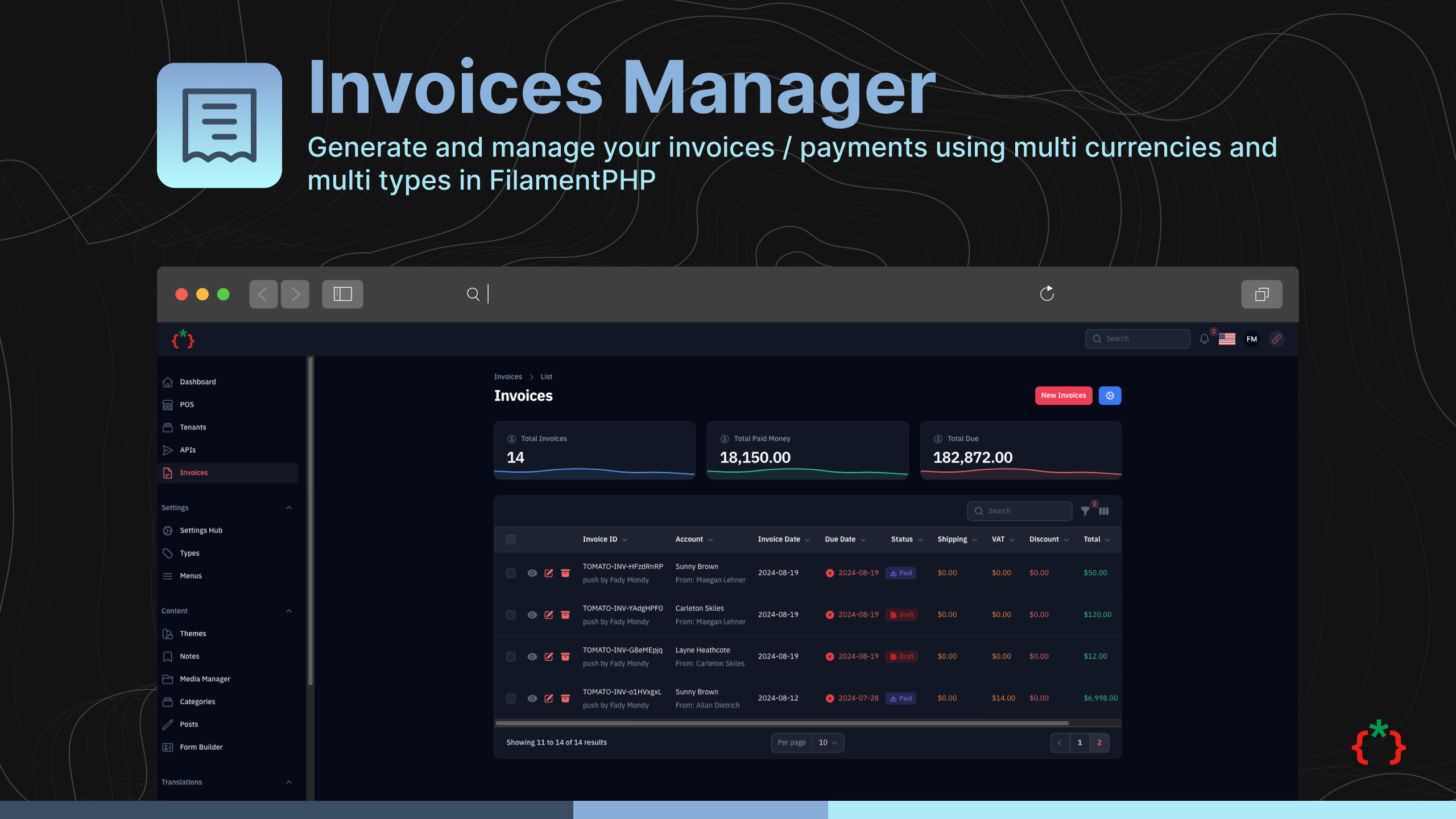
Filament Invoices Manager



Generate and manage your invoices / payments using multi currencies and multi types in FilamentPHP
Version Compatibility
| Plugin | Filament | Laravel | PHP |
|---|---|---|---|
| 5.x | 5.x | 12.x - 13.x | 8.2+ |
| 4.x | 4.x | 11.x - 12.x | 8.2+ |
| 2.x | 3.x | 10.x - 11.x | 8.1+ |
Features
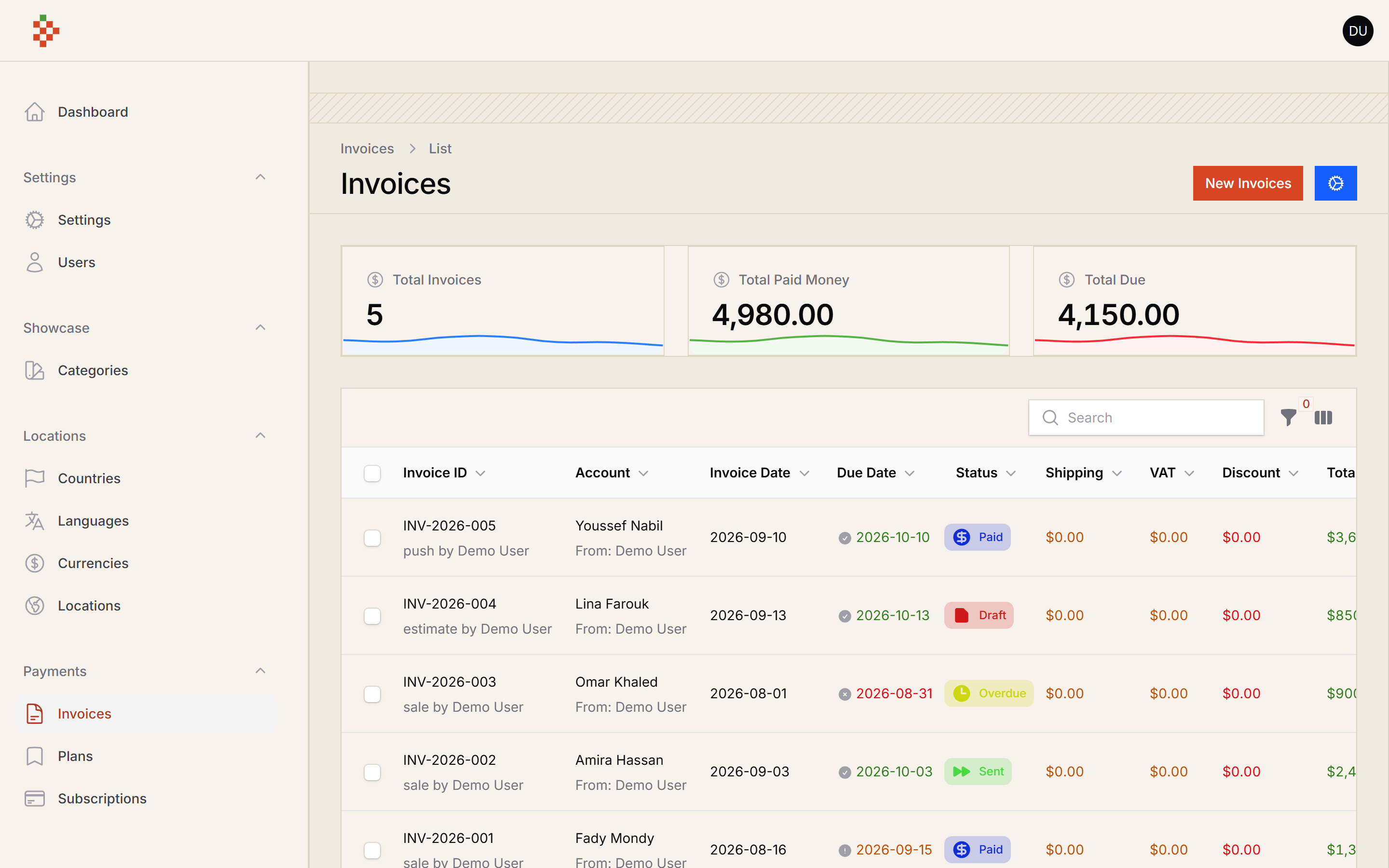
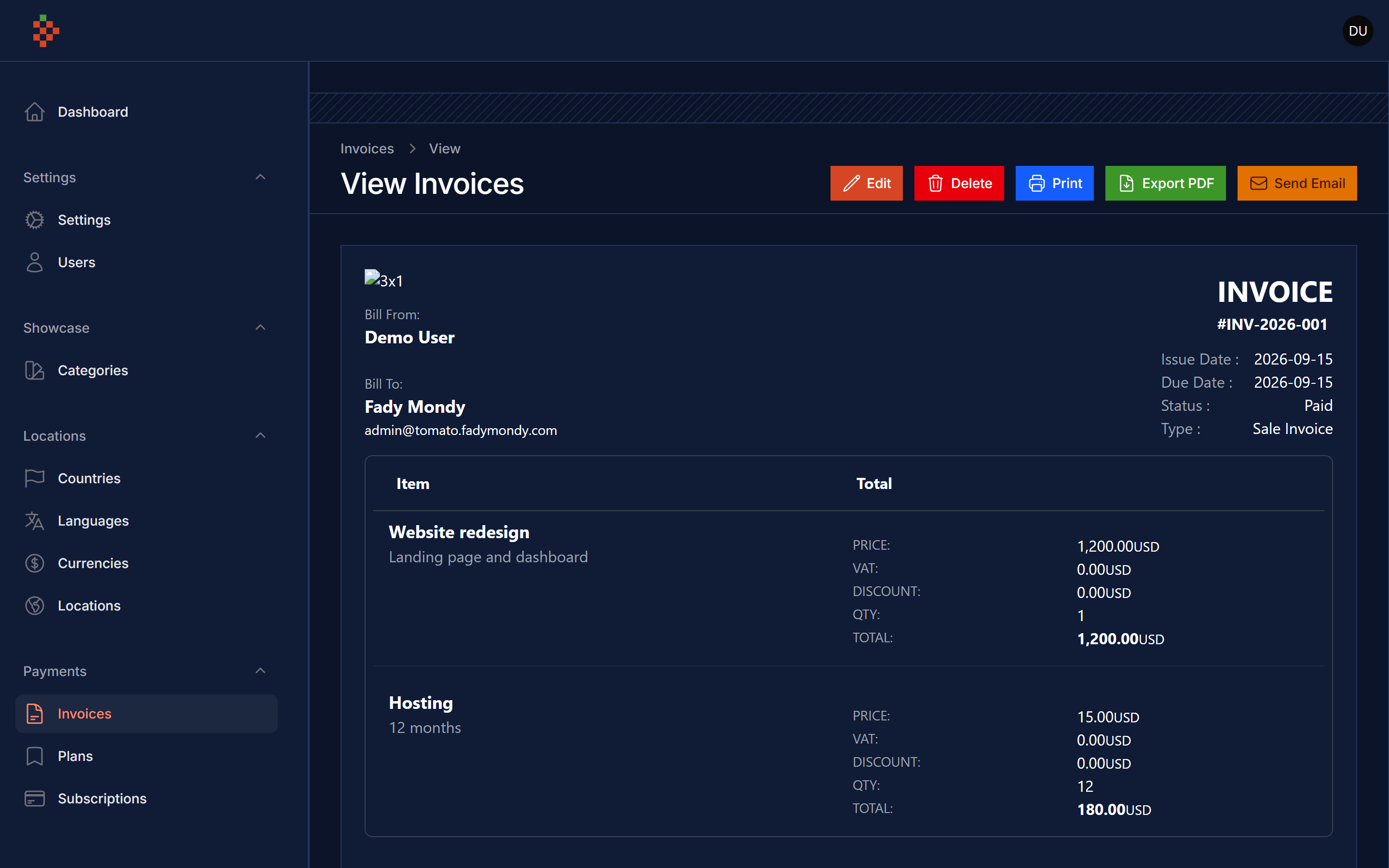
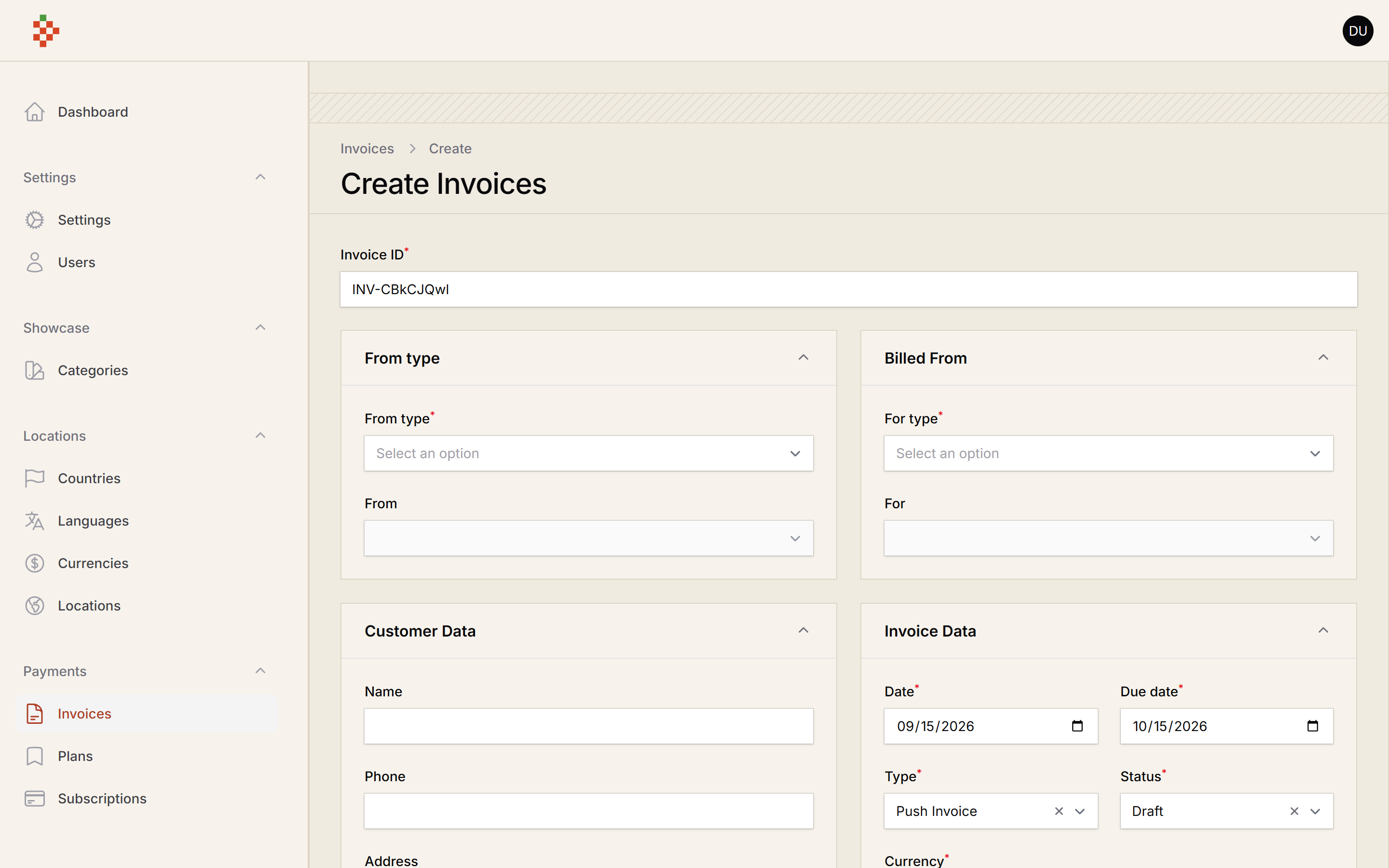
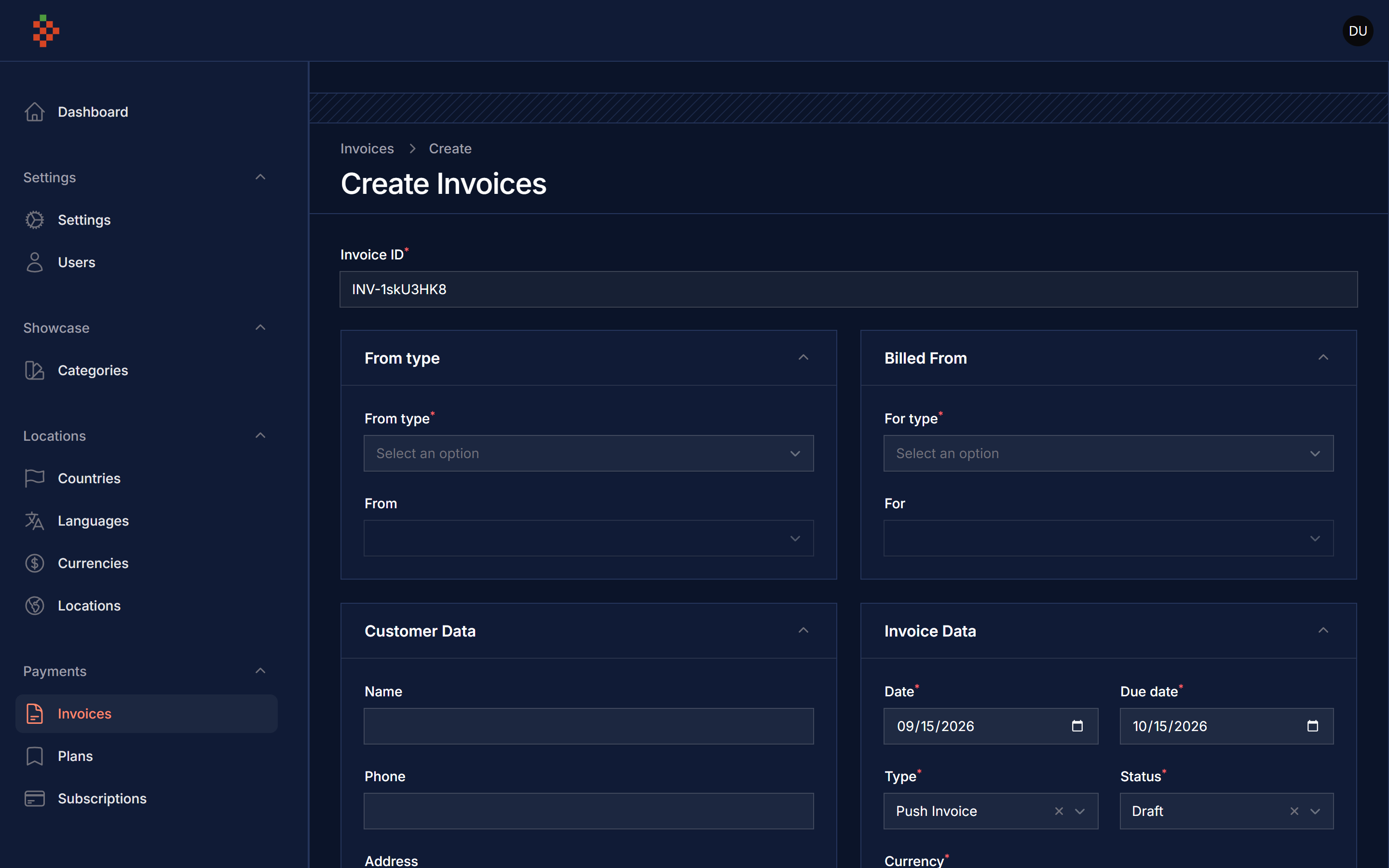
- Generate Invoices
- Manage Invoices
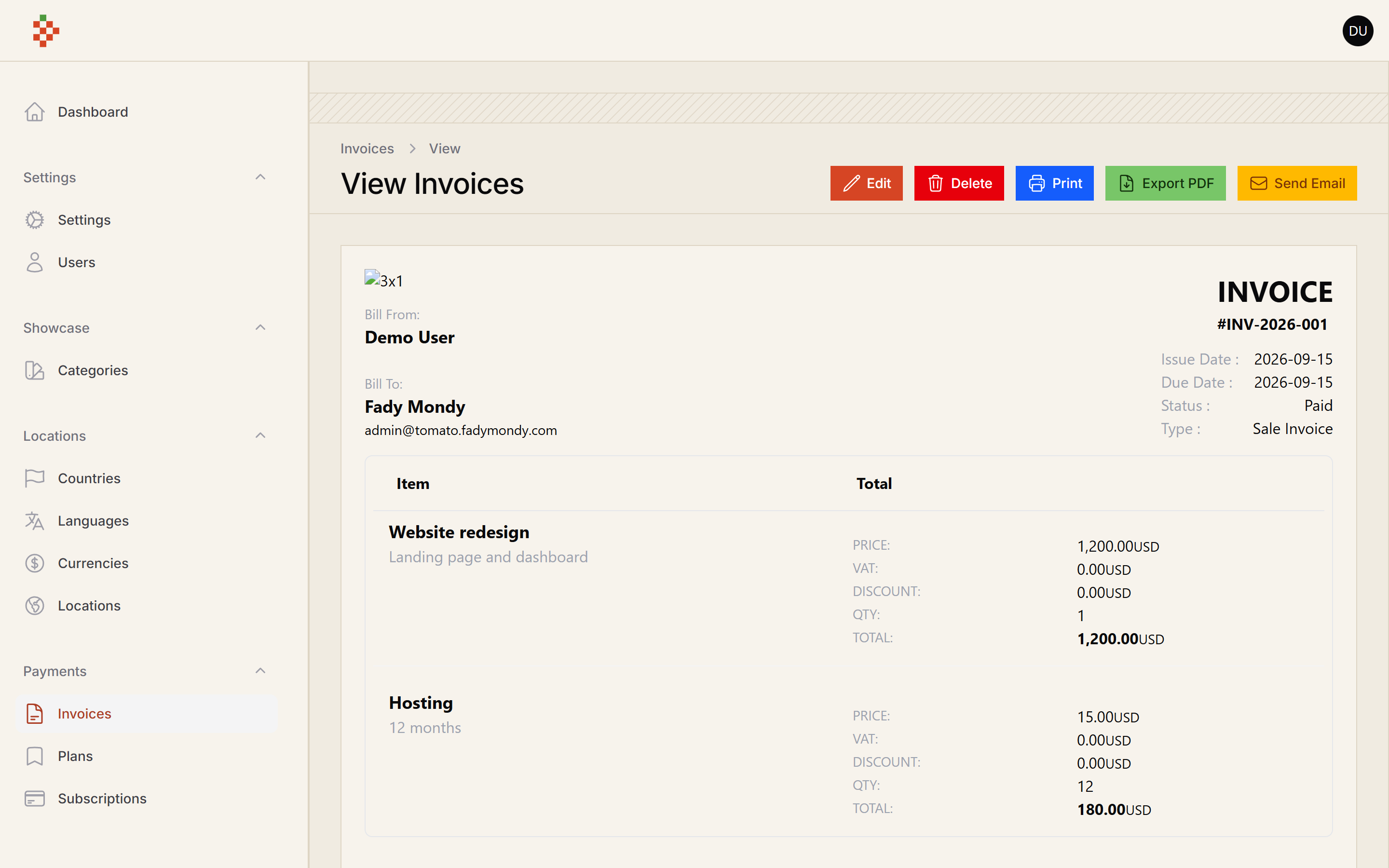
- Print Invoices
- Invoices Facade Class
- Invoices Morph From/For
- Invoices Payments
- Support Multi Type
- Support Multi Currency
- Support Multi Status
- Status Manager
- Invoices Widgets
- Send Invoice via Email (with PDF attachment)
- Export Invoice as PDF (DomPDF)
- Invoice Templates (5 built-in templates, extensible via Factory Pattern)
- Invoice Settings (Settings Hub integration)
- Print Pay Slip for Payments
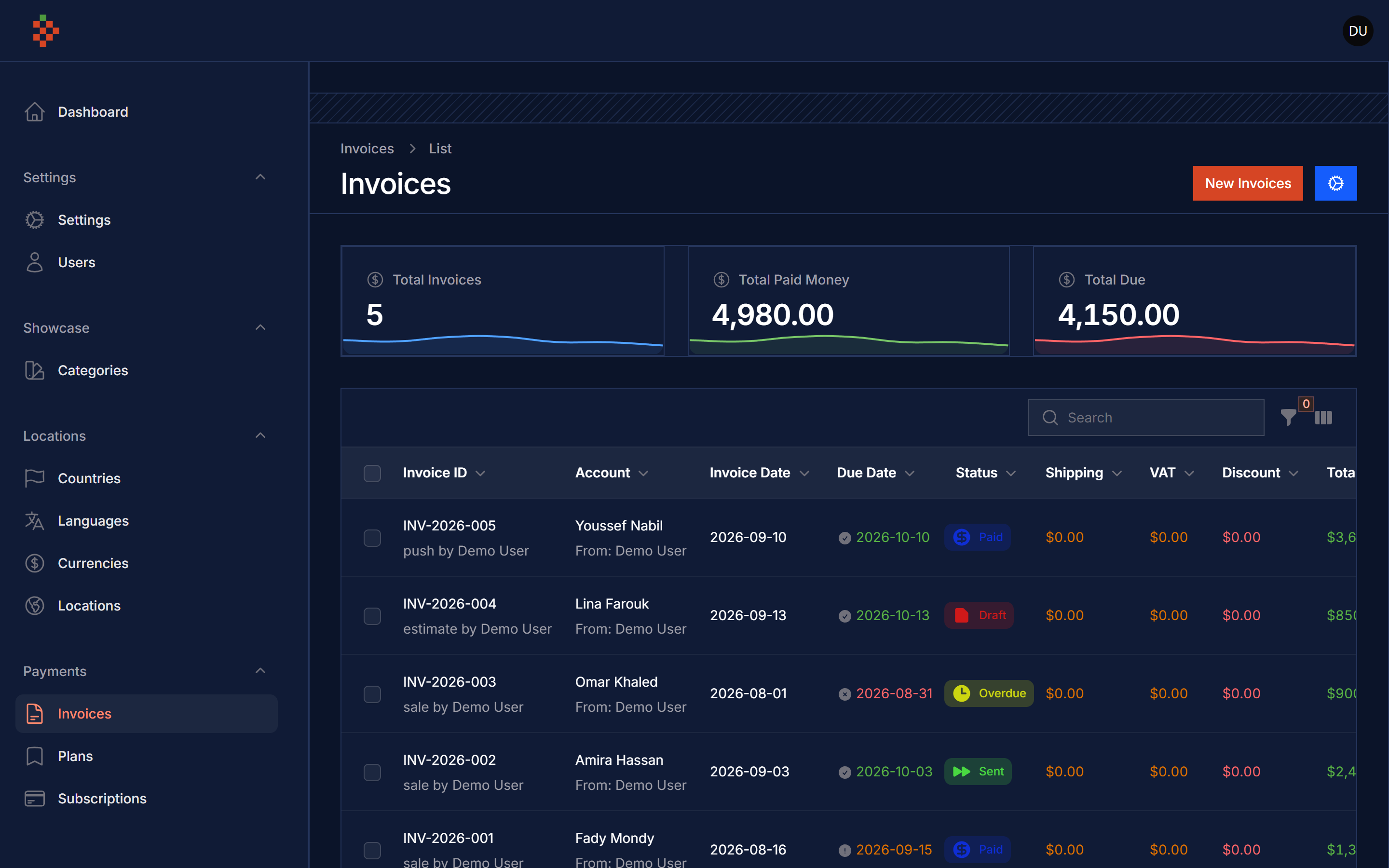
Screenshots
Installation
composer require tomatophp/filament-invoices
after install your package please run this command
php artisan filament-invoices:install
finally register the plugin on /app/Providers/Filament/AdminPanelProvider.php
->plugin(\TomatoPHP\FilamentInvoices\FilamentInvoicesPlugin::make())
Enable Settings Hub
To enable the Invoice Settings page in the Settings Hub, use the useSettingsHub() method:
->plugin(
    \TomatoPHP\FilamentInvoices\FilamentInvoicesPlugin::make()
        ->useSettingsHub()
)
Don't forget to publish the settings migration:
php artisan vendor:publish --tag="filament-invoices-settings-migrations"
php artisan migrate
Using
to start use this plugin you need to allow 2 types of users or table to fill the invoices from / for after you prepare your models use this Facade class like this on your AppServiceProvider or any other service provider
use TomatoPHP\FilamentInvoices\Facades\FilamentInvoices;
use TomatoPHP\FilamentInvoices\Services\Contracts\InvoiceFor;
use TomatoPHP\FilamentInvoices\Services\Contracts\InvoiceFrom;

public function boot()
{
    FilamentInvoices::registerFor([
        InvoiceFor::make(Account::class)
            ->label('Account')
    ]);
    FilamentInvoices::registerFrom([
        InvoiceFrom::make(Company::class)
            ->label('Company')
    ]);
}
after that you can use the plugin on your filament admin panel
Invoice Templates
The package comes with 5 built-in invoice templates:
- Classic - Traditional professional invoice layout
- Modern - Contemporary design with gradient header
- Minimal - Clean and simple design
- Professional - Business-oriented with sidebar
- Creative - Bold and colorful design
Register Custom Templates
You can register your own templates using the Factory pattern:
use TomatoPHP\FilamentInvoices\Services\Templates\TemplateFactory;
use TomatoPHP\FilamentInvoices\Contracts\InvoiceTemplateInterface;

// In your service provider boot method
TemplateFactory::register('my-custom', MyCustomTemplate::class);
Your custom template class must implement InvoiceTemplateInterface:
use TomatoPHP\FilamentInvoices\Contracts\InvoiceTemplateInterface;
use TomatoPHP\FilamentInvoices\Services\Templates\AbstractTemplate;

class MyCustomTemplate extends AbstractTemplate
{
    public function getName(): string
    {
        return 'my-custom';
    }

    public function getLabel(): string
    {
        return 'My Custom Template';
    }

    public function getDescription(): string
    {
        return 'A custom invoice template';
    }

    public function getViewPath(): string
    {
        return 'my-package::templates.custom';
    }
}
Export Invoice as PDF
You can export invoices as PDF from:
- The invoice view page (Export PDF button)
- The invoices table (row action)
- Bulk export multiple invoices as ZIP
Programmatic PDF Generation
use TomatoPHP\FilamentInvoices\Services\PdfGenerator;

$pdfGenerator = app(PdfGenerator::class);

// Generate PDF content
$pdfContent = $pdfGenerator->generate($invoice, 'modern');

// Stream to browser
return $pdfGenerator->stream($invoice, 'classic');

// Download file
return $pdfGenerator->download($invoice, 'professional');
Send Invoice via Email
Send invoices via email with PDF attachment from:
- The invoice view page (Send Email button)
- The invoices table (row action)
- Bulk send to multiple invoices
Email settings can be configured in the Invoice Settings page, including:
- Default email subject and body templates
- CC/BCC addresses
- From name and email
Available Placeholders
Use these placeholders in email subject and body:
{uuid}- Invoice number{company_name}- Your company name{customer_name}- Customer name{total}- Invoice total amount{currency}- Currency code{due_date}- Due date
Programmatic Email Sending
use TomatoPHP\FilamentInvoices\Mail\InvoiceMail;
use Illuminate\Support\Facades\Mail;

Mail::to('customer@example.com')->send(new InvoiceMail(
    invoice: $invoice,
    template: 'modern',
    cc: 'accounts@company.com',
    subject: 'Your Invoice #{uuid}',
    body: 'Dear {customer_name}, please find your invoice attached.'
));
Invoice Settings
The Invoice Settings page (accessible via Settings Hub when enabled) allows you to configure:
Company Information
- Company name, logo, address
- Phone, email, tax ID
Default Settings
- Default currency
- Default tax rate
- Default payment terms (days)
Email Configuration
- From name and email
- Email subject and body templates
- CC/BCC addresses
PDF Options
- Default template
- Paper size (A4, Letter, Legal)
- Terms and conditions text
Use Facade Class To Create Invoice
you can use this Facade class to create invoice like this
\TomatoPHP\FilamentInvoices\Facades\FilamentInvoices::create()
    ->for(\App\Models\Account::find(1))
    ->from(\App\Models\Account::find(2))
    ->dueDate(now()->addDays(7))
    ->date(now())
    ->items([
        \TomatoPHP\FilamentInvoices\Services\Contracts\InvoiceItem::make('Item 1')
            ->description('Description 1')
            ->qty(2)
            ->price(100),
        \TomatoPHP\FilamentInvoices\Services\Contracts\InvoiceItem::make('Item 2')
            ->description('Description 2')
            ->qty(1)
            ->discount(10)
            ->vat(10)
            ->price(200),
    ])->save();
Publish Assets
you can publish config file by use this command
php artisan vendor:publish --tag="filament-invoices-config"
you can publish views file by use this command
php artisan vendor:publish --tag="filament-invoices-views"
you can publish languages file by use this command
php artisan vendor:publish --tag="filament-invoices-lang"
you can publish migrations file by use this command
php artisan vendor:publish --tag="filament-invoices-migrations"
Other Filament Packages
Checkout our Awesome TomatoPHP
Related Packages
Manage your payments inside FilamentPHP app with multi payment gateway integrati...
get a PWA feature on your FilamentPHP app with settings from panel
Manage your Filament app settings with GUI and helpers
Version History
| Version | Released | PHP | License |
|---|---|---|---|
| 5.0.0 | ^8.2 | MIT | |
| 4.0.0 | ^8.2| | MIT | |
| v1.0.6 | ^8.1| | MIT | |
| v1.0.5 | ^8.1| | MIT | |
| v1.0.4 | ^8.1| | MIT | |
| v1.0.3 | ^8.1| | MIT | |
| v1.0.2 | ^8.1| | MIT | |
| v1.0.1 | ^8.1| | MIT | |
| v1.0.0 | ^8.1| | MIT |