tomatophp/filament-notes

Filament Sticky Notes




Add Sticky Notes to your FilamentPHP dashboard with tons of options and style
Screenshots
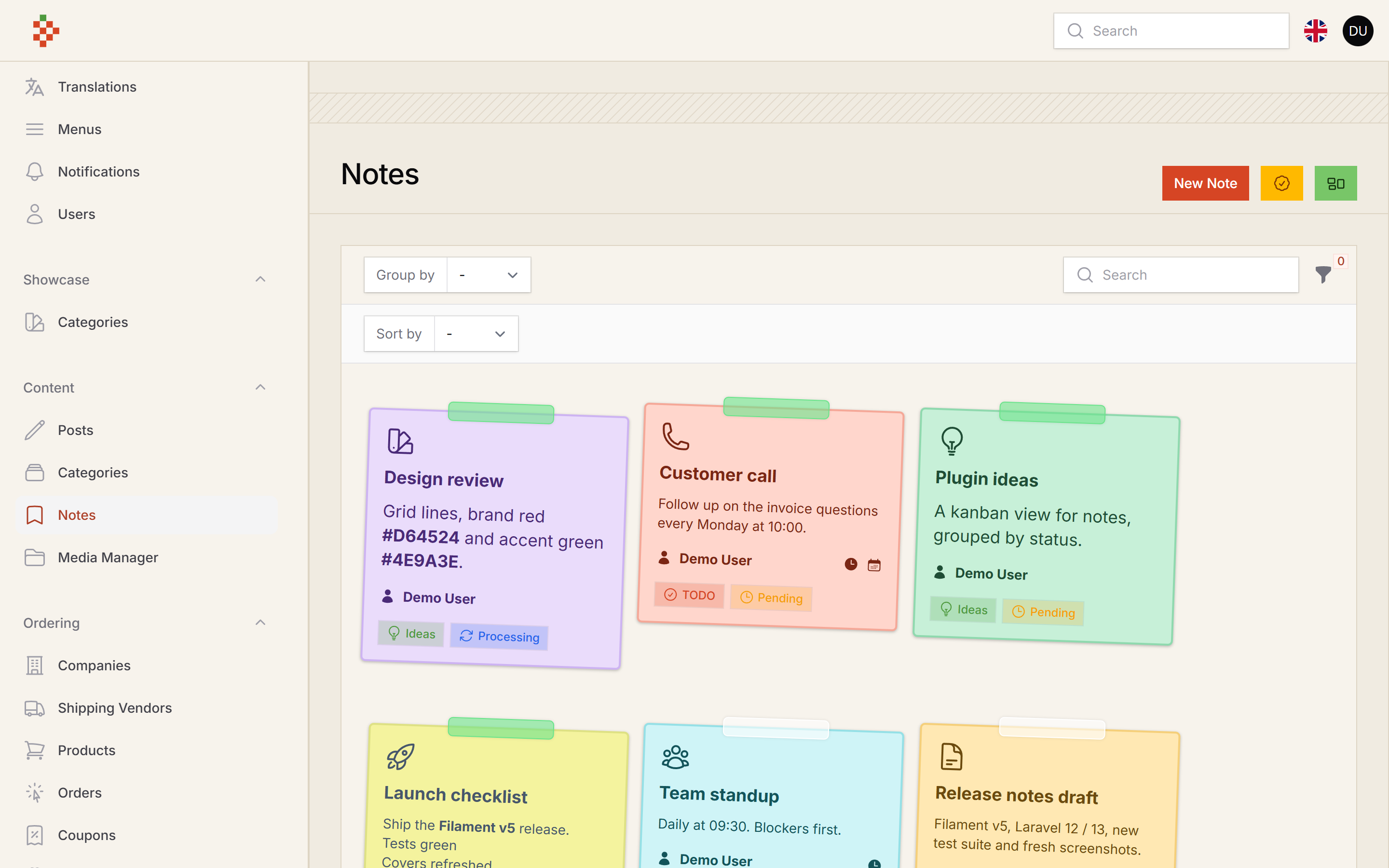
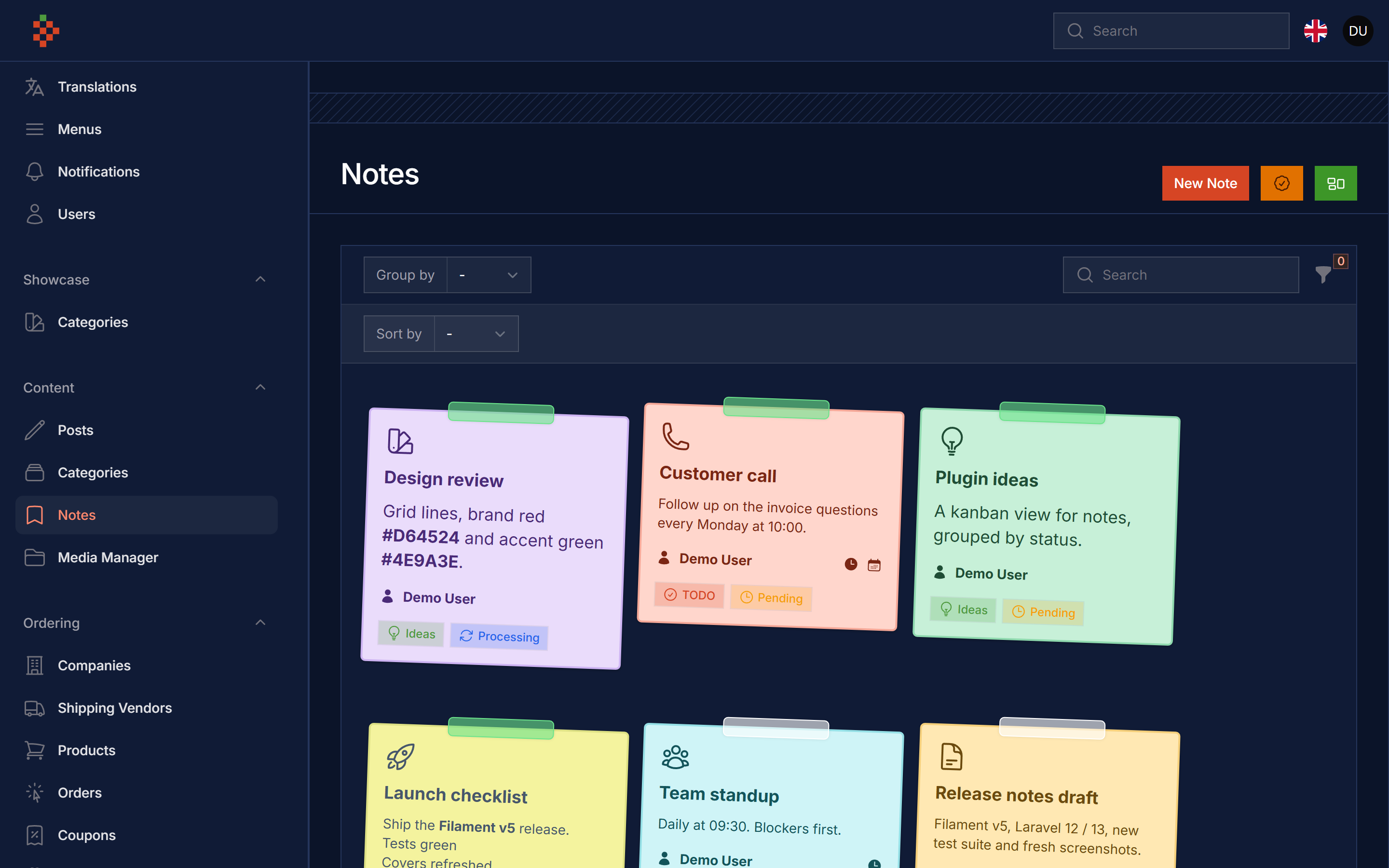
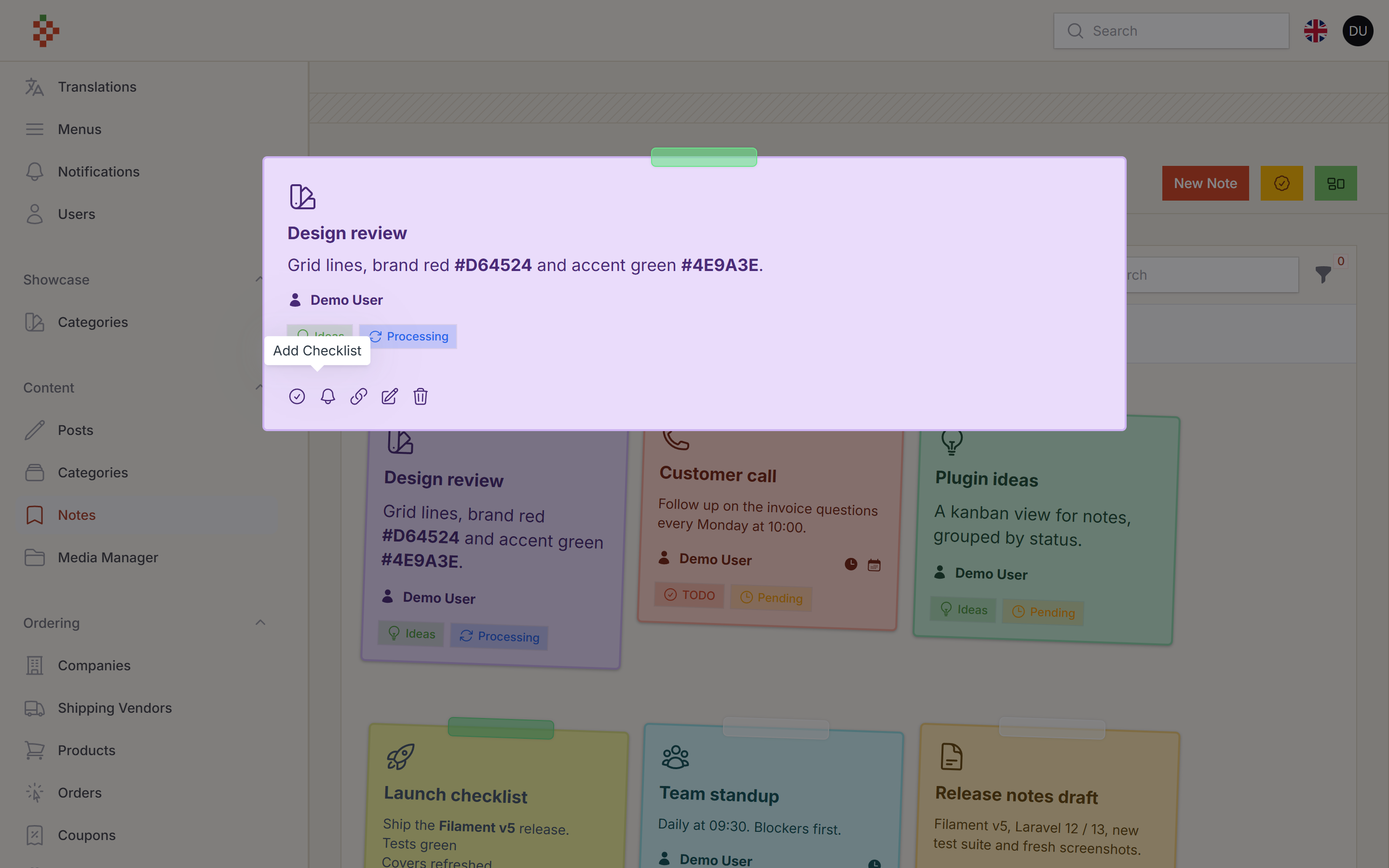
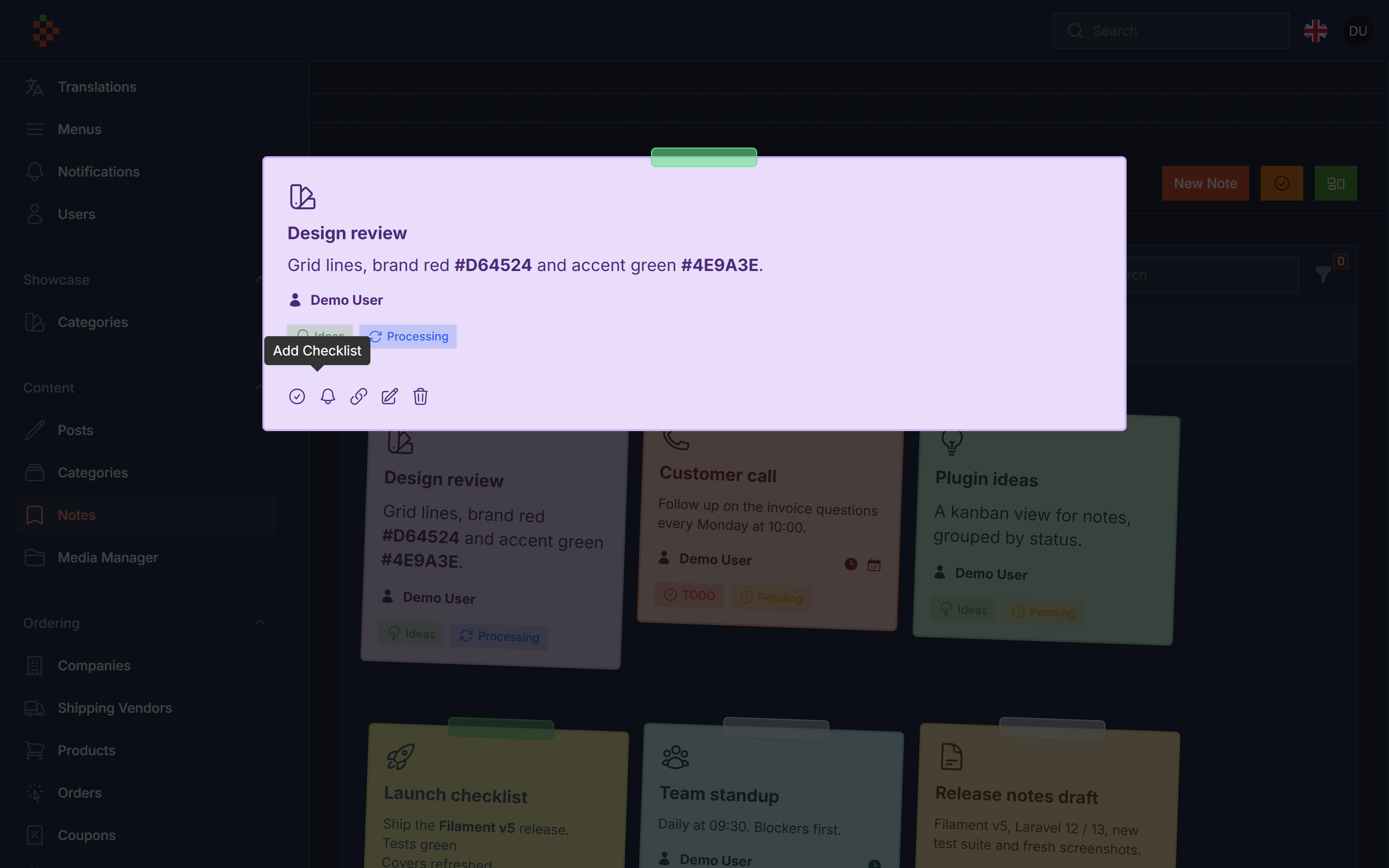
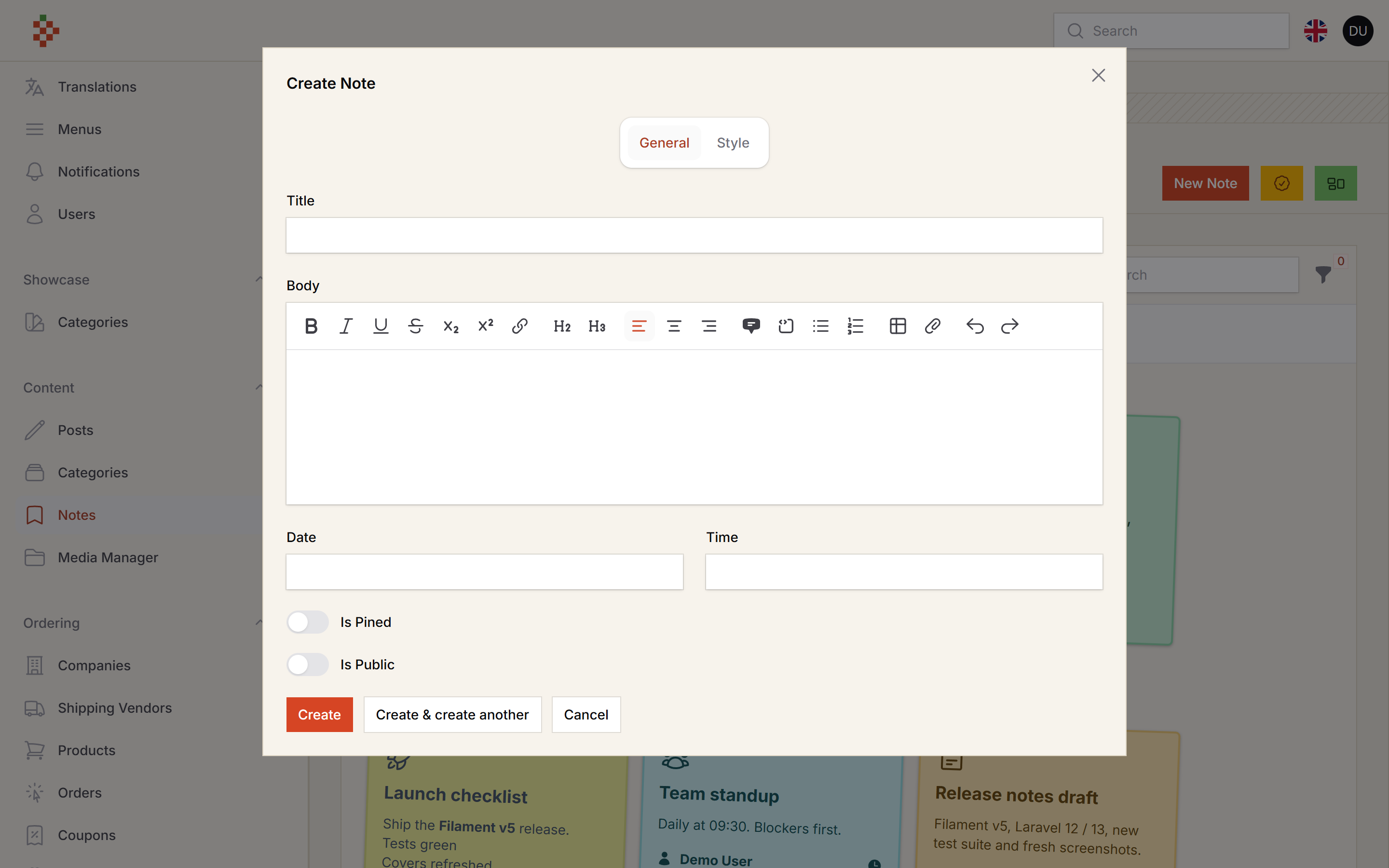
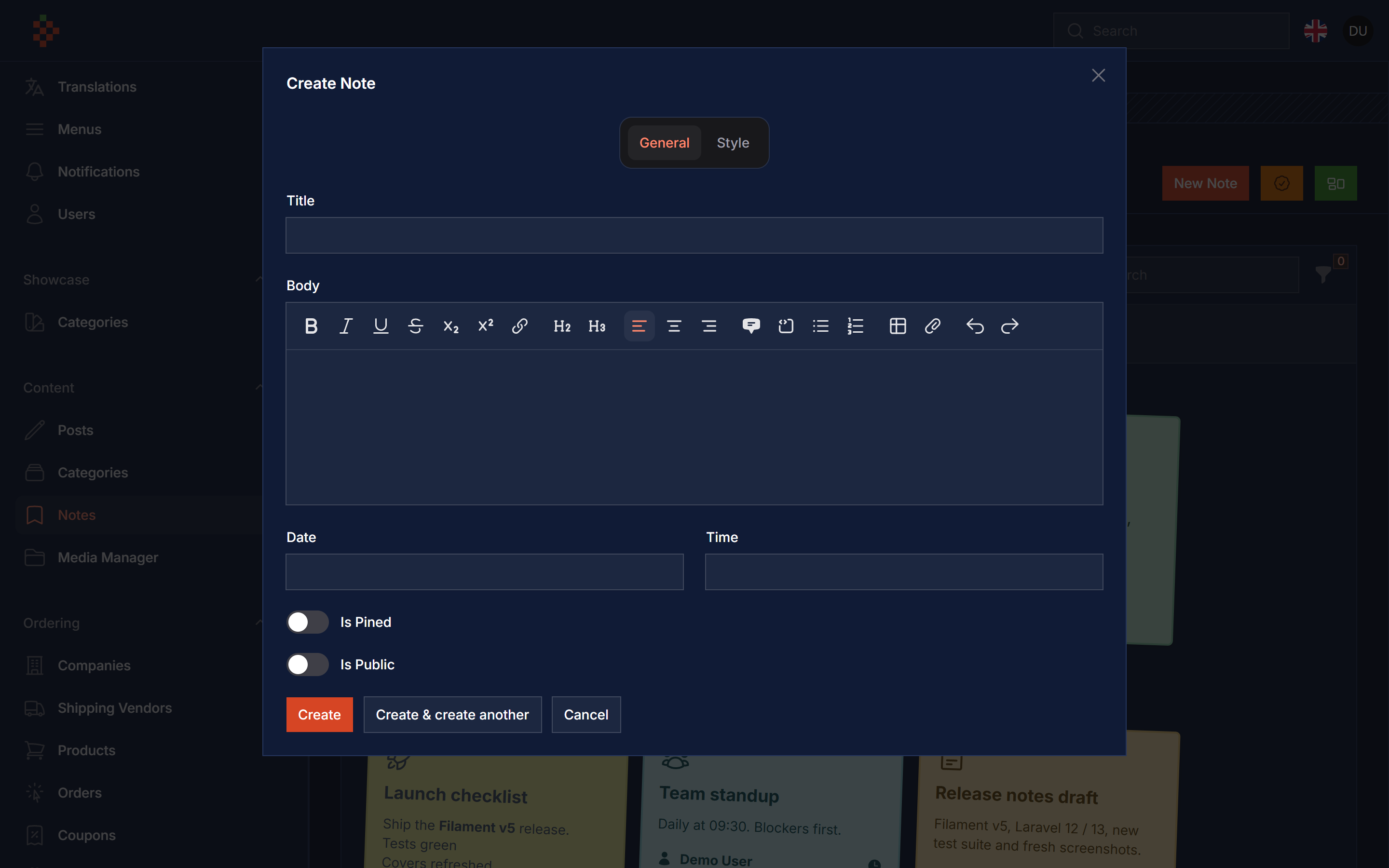
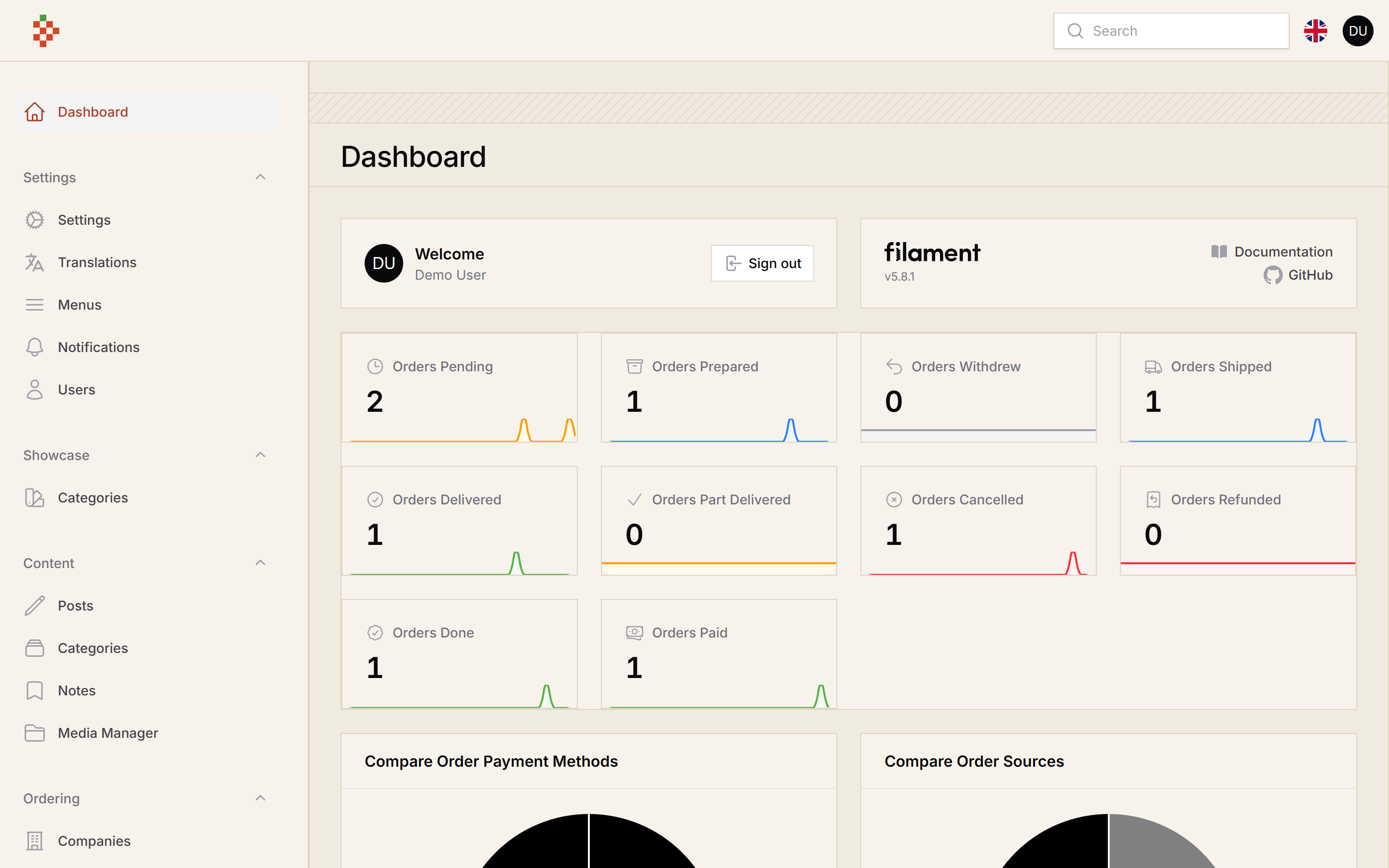
Features
- Notes Resource
- Notes Style
- Pined Notes
- Notes Background
- Notes Font Color
- Notes Border Color
- Notes Font Widget
- Notes Widget
- Notes Widget Limit
- Public/Private Notes
- Notes Groups
- Notes Status
- Notes To Notifications
- Share Notes With Public Link
- Share Notes With Selected User
- Notes CheckLists
- Notes Reminders
- Notes Font Family
- Attach Notes To Models
- Notes Templates
Compatibility
| Package version | Filament | Laravel | PHP |
|---|---|---|---|
| 5.x | 5.x | 12.x / 13.x | 8.2+ |
1.x (v3 branch) |
3.x | 10.x / 11.x | 8.1+ |
Installation
composer require tomatophp/filament-notes
after install your package please run this command
php artisan filament-notes:install
Finally register the plugin on /app/Providers/Filament/AdminPanelProvider.php
$panel->plugin(\TomatoPHP\FilamentNotes\FilamentNotesPlugin::make())
Notes are linked to your user model, you can change it from the config file filament-notes.models.user (default App\Models\User).
Use Widget
you can use it as a resource or you can use it as a widget by just register a widget on your panel provider like this
$panel->widgets([
    \TomatoPHP\FilamentNotes\Filament\Widgets\NotesWidget::class
])
the widget shows the pinned notes the current user can see, you can change how many notes it shows
$panel->plugin(\TomatoPHP\FilamentNotes\FilamentNotesPlugin::make()
    ->widgetLimit(8)
)
Use Livewire Component
you can use selected note anywhere using livewire component
<livewire:note-action :note="$note" />
Use Groups & Status
groups and status are stored with filament-types (installed with this package), you can use this feature by add this methods to the plugin
$panel->plugin(\TomatoPHP\FilamentNotes\FilamentNotesPlugin::make()
    ->useStatus()
    ->useGroups()
)
the default groups (todo, ideas, saved) and statuses (pending, processing, done) are created the first time you open the Notes Groups / Notes Status pages from the notes page header.
Use Convert Note To Notification
you can send a note as a Filament database notification to selected users by adding this method to the plugin (your panel needs ->databaseNotifications() and the notifications table)
$panel->plugin(\TomatoPHP\FilamentNotes\FilamentNotesPlugin::make()
    ->useNotification()
)
Use Share Note With Public Link
you can generate a public link and share it with others by allowing this feature on your provider
$panel->plugin(\TomatoPHP\FilamentNotes\FilamentNotesPlugin::make()
    ->useShareLink()
)
Use User Access Permissions
you can use this feature to allow only selected users to access the notes by allowing this feature on your provider
$panel->plugin(\TomatoPHP\FilamentNotes\FilamentNotesPlugin::make()
    ->useUserAccess()
)
Use Checklist
you can use this feature to add a checklist to your notes by allowing this feature on your provider
$panel->plugin(\TomatoPHP\FilamentNotes\FilamentNotesPlugin::make()
    ->useCheckList()
)
Customize Note Resource Icon
you can customize the note resource icon by adding this method to the plugin
$panel->plugin(\TomatoPHP\FilamentNotes\FilamentNotesPlugin::make()
    ->navigationIcon('heroicon-o-presentation-chart-line')
)
Publish Assets
you can publish config file by use this command
php artisan vendor:publish --tag="filament-notes-config"
you can publish views file by use this command
php artisan vendor:publish --tag="filament-notes-views"
you can publish languages file by use this command
php artisan vendor:publish --tag="filament-notes-lang"
you can publish migrations file by use this command
php artisan vendor:publish --tag="filament-notes-migrations"
Testing
composer test
Code Style
composer format
PHPStan
composer analyse
Other Filament Packages
Checkout our Awesome TomatoPHP
Related Packages
This is my package laravel-filament-revealable-field
Filament Timesheets is a package for Filament that allows you to track time spen...
A Filament plugin to display organization charts using Highcharts
Version History
| Version | Released | PHP | License |
|---|---|---|---|
| 5.0.2 | ^8.2 | MIT | |
| 5.0.1 | ^8.2 | MIT | |
| 5.0.0 | ^8.2 | MIT | |
| v1.0.20 | ^8.1| | MIT | |
| v1.0.19 | ^8.1| | MIT | |
| v1.0.18 | ^8.1| | MIT | |
| v1.0.17 | ^8.1| | MIT | |
| v1.0.16 | ^8.1| | MIT | |
| v1.0.15 | ^8.1| | MIT | |
| v1.0.14 | ^8.1| | MIT | |
| v1.0.13 | ^8.1| | MIT | |
| v1.0.12 | ^8.1| | MIT | |
| v1.0.11 | ^8.1| | MIT | |
| v1.0.10 | ^8.1| | MIT | |
| v1.0.9 | ^8.1| | MIT | |
| v1.0.8 | ^8.1| | MIT | |
| v1.0.7 | ^8.1| | MIT | |
| v1.0.6 | ^8.1| | MIT | |
| v1.0.5 | ^8.1| | MIT | |
| v1.0.4 | ^8.1| | MIT | |
| v1.0.3 | ^8.1| | MIT | |
| v1.0.2 | ^8.1| | MIT | |
| v1.0.1 | ^8.1| | MIT | |
| v1.0.0 | ^8.1| | MIT |