tomatophp/filament-pos
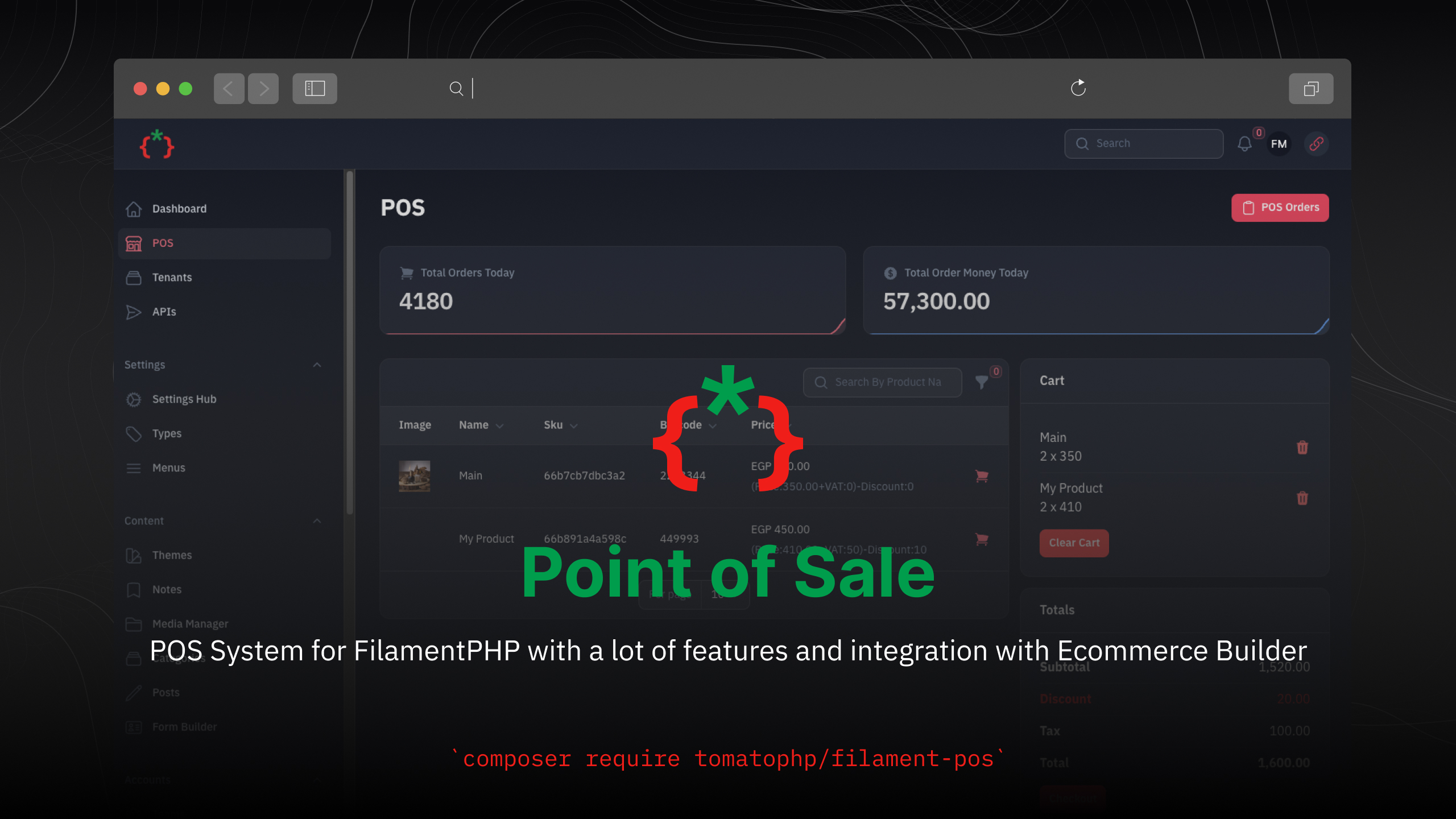
Filament POS



POS System for FilamentPHP with a lot of features and integration with Ecommerce Builder
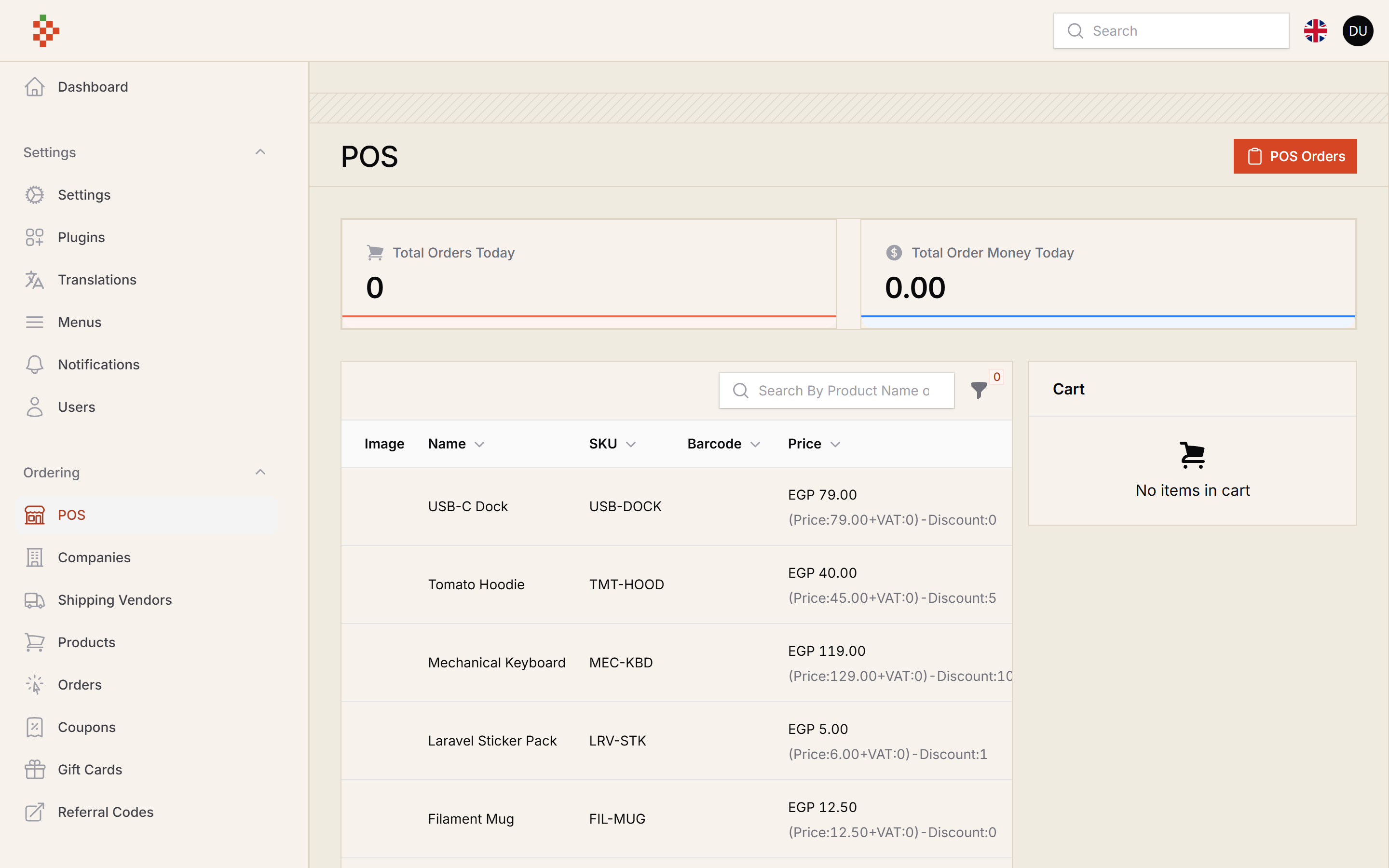
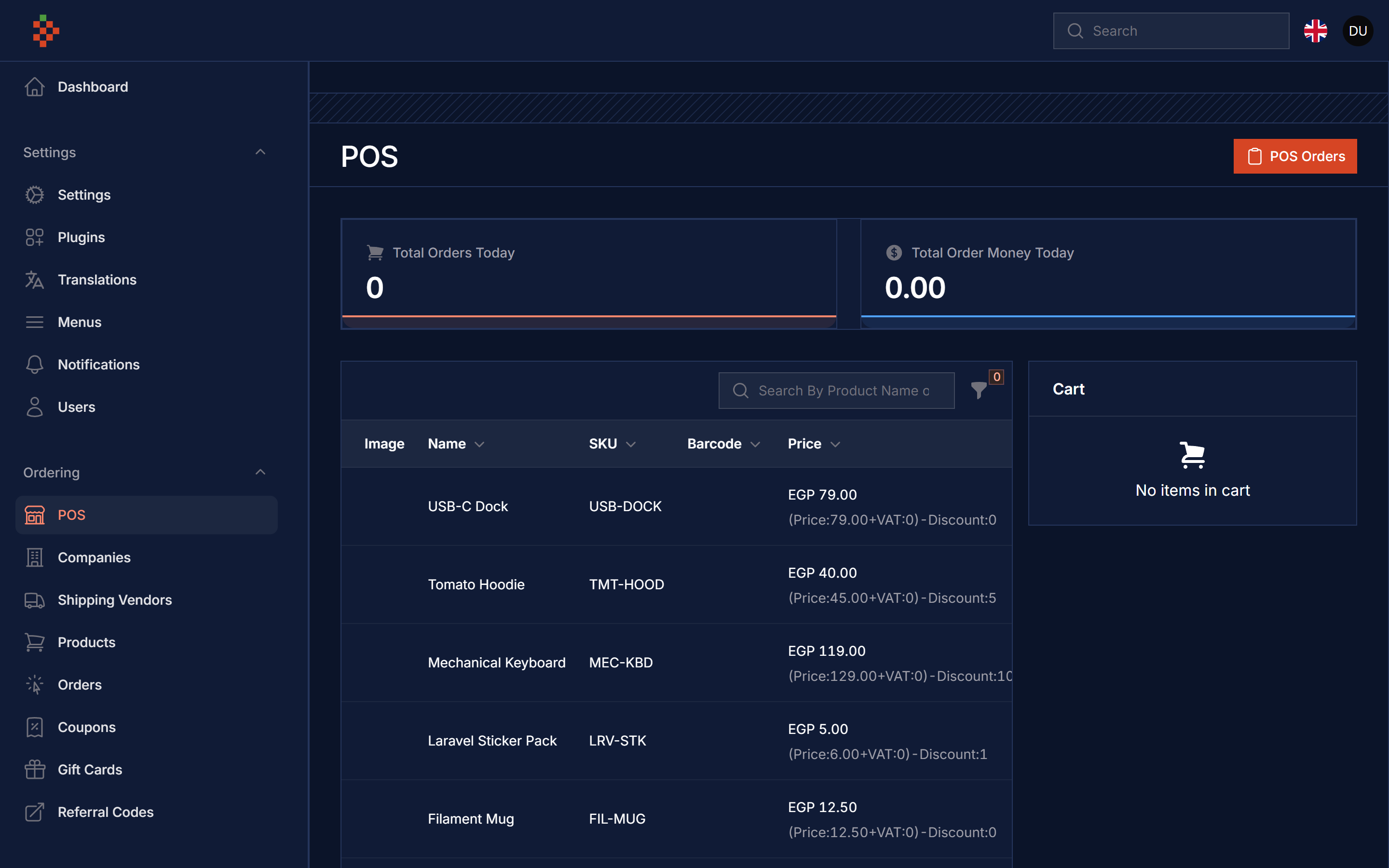
Screenshots
Compatibility
| Filament POS | Filament | Laravel | PHP |
|---|---|---|---|
| 5.x | 5.x | 12 / 13 | 8.2+ |
| 1.x (v3 branch) | 3.x | 10 / 11 | 8.1+ |
Installation
composer require tomatophp/filament-pos
The POS page ships its own stylesheet, so publish the Filament assets after installing or updating the package
php artisan filament:assets
we need the Media Library plugin to be installed and migrated you can use this command to publish the migration
php artisan vendor:publish --provider="Spatie\MediaLibrary\MediaLibraryServiceProvider" --tag="medialibrary-migrations"
now you need to install the settings hub use these commands
php artisan vendor:publish --provider="Spatie\LaravelSettings\LaravelSettingsServiceProvider" --tag="migrations"
php artisan filament-settings-hub:install
after install your package please run this command
php artisan filament-pos:install
finally register the plugin on /app/Providers/Filament/AdminPanelProvider.php
->plugin(\TomatoPHP\FilamentPos\FilamentPOSPlugin::make())
The POS plugin registers FilamentEcommercePlugin and FilamentAccountsPlugin for you. If your panel already registers them (for example to enable coupons with FilamentEcommercePlugin::make()->useCoupon()), your configuration is kept.
The POS page is available at /admin/pos and uses the ordering settings of the Ecommerce package (company, direct branch and order code).
Use Filament Shield
you can use the shield to protect your resource and allow user roles by install it first
composer require bezhansalleh/filament-shield
Add the Spatie\Permission\Traits\HasRoles trait to your User model(s):
use Illuminate\Foundation\Auth\User as Authenticatable;
use Spatie\Permission\Traits\HasRoles;

class User extends Authenticatable
{
    use HasRoles;

    // ...
}
Publish the config file then setup your configuration:
->plugin(\BezhanSalleh\FilamentShield\FilamentShieldPlugin::make())
Now run the following command to install shield:
php artisan shield:install
Now we can publish the package assets.
php artisan vendor:publish --tag="filament-users-config"
now you need to allow it on the plugin options
->plugin(\TomatoPHP\FilamentPos\FilamentPOSPlugin::make()->allowShield())
for more information check the Filament Shield
Publish Assets
you can publish config file by use this command
php artisan vendor:publish --tag="filament-pos-config"
you can publish views file by use this command
php artisan vendor:publish --tag="filament-pos-views"
you can publish languages file by use this command
php artisan vendor:publish --tag="filament-pos-lang"
Other Filament Packages
Checkout our Awesome TomatoPHP
Related Packages
Generate and manage your invoices / payments using multi currencies and multi ty...
Build your own ecommerce store with FilamentPHP with the Power of Tomato CMS Bui...
Switch between languages on your app using user base column on database
Version History
| Version | Released | PHP | License |
|---|---|---|---|
| 5.0.0 | ^8.2 | MIT | |
| v1.0.4 | ^8.1| | MIT | |
| v1.0.3 | ^8.1| | MIT | |
| v1.0.2 | ^8.1| | MIT | |
| v1.0.1 | ^8.1| | MIT | |
| v1.0.0 | ^8.1| | MIT |