tomatophp/filament-social
Filament Social Media Manager


Integration of social media platform actions and auth to your FilamentPHP panel
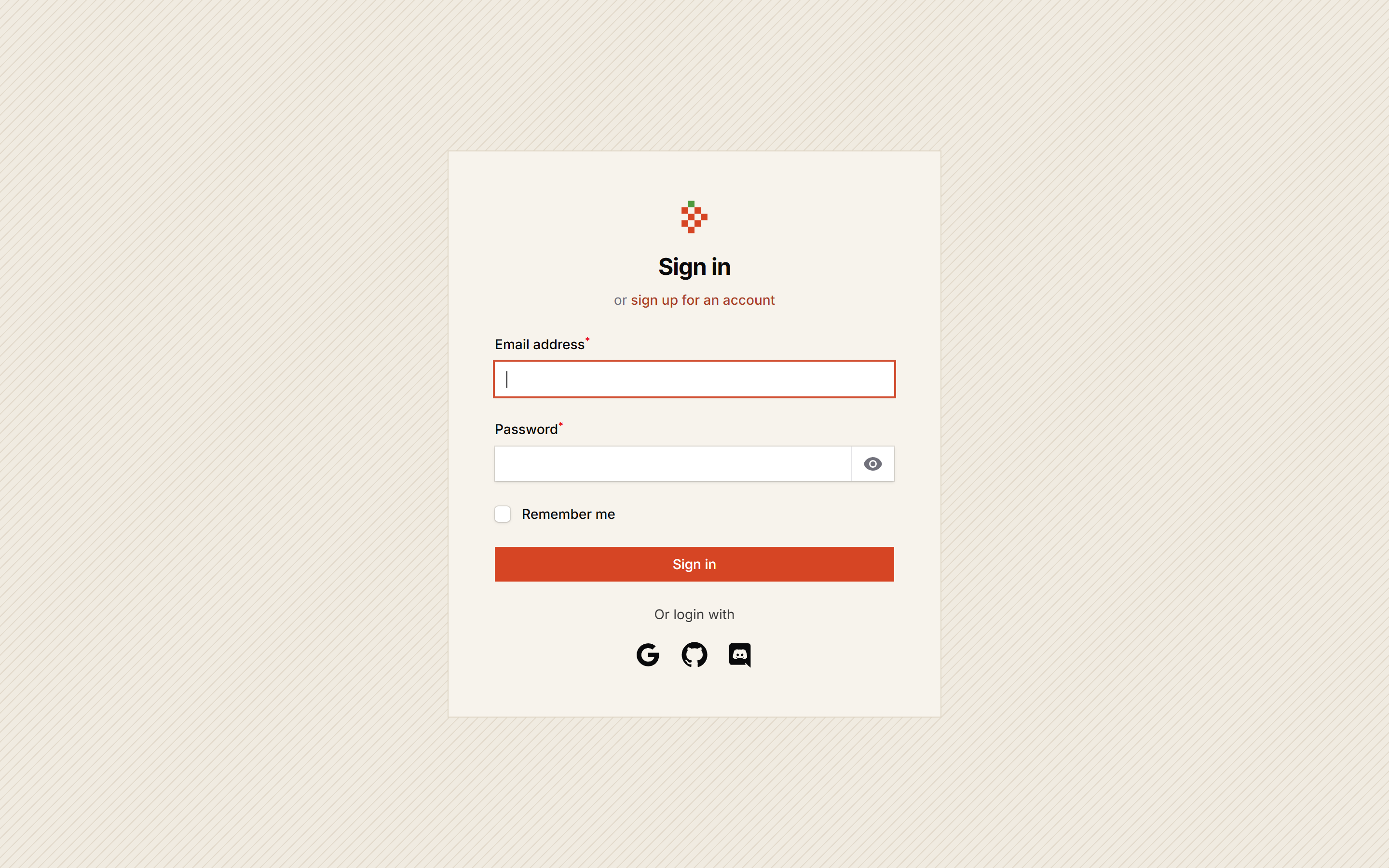
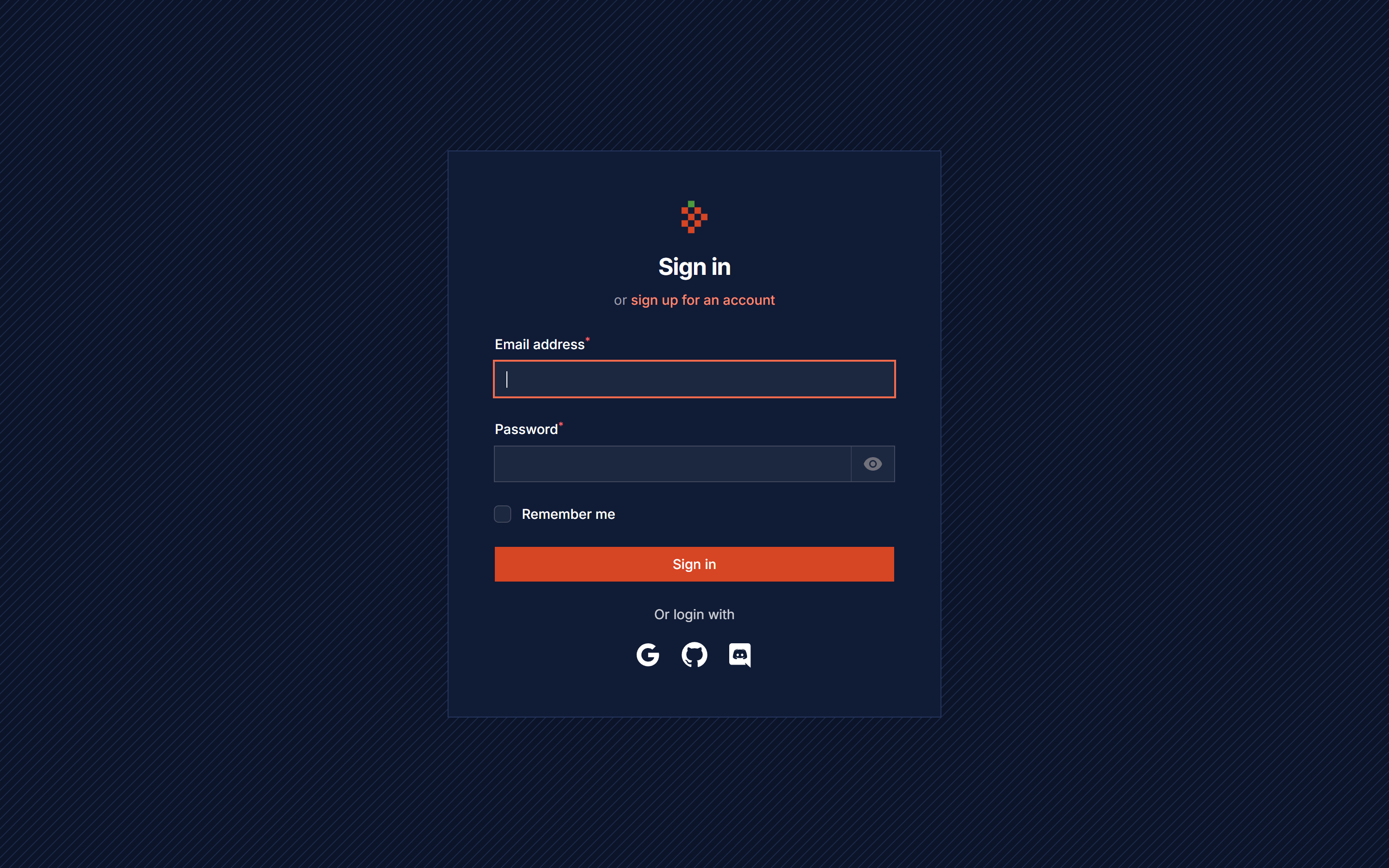
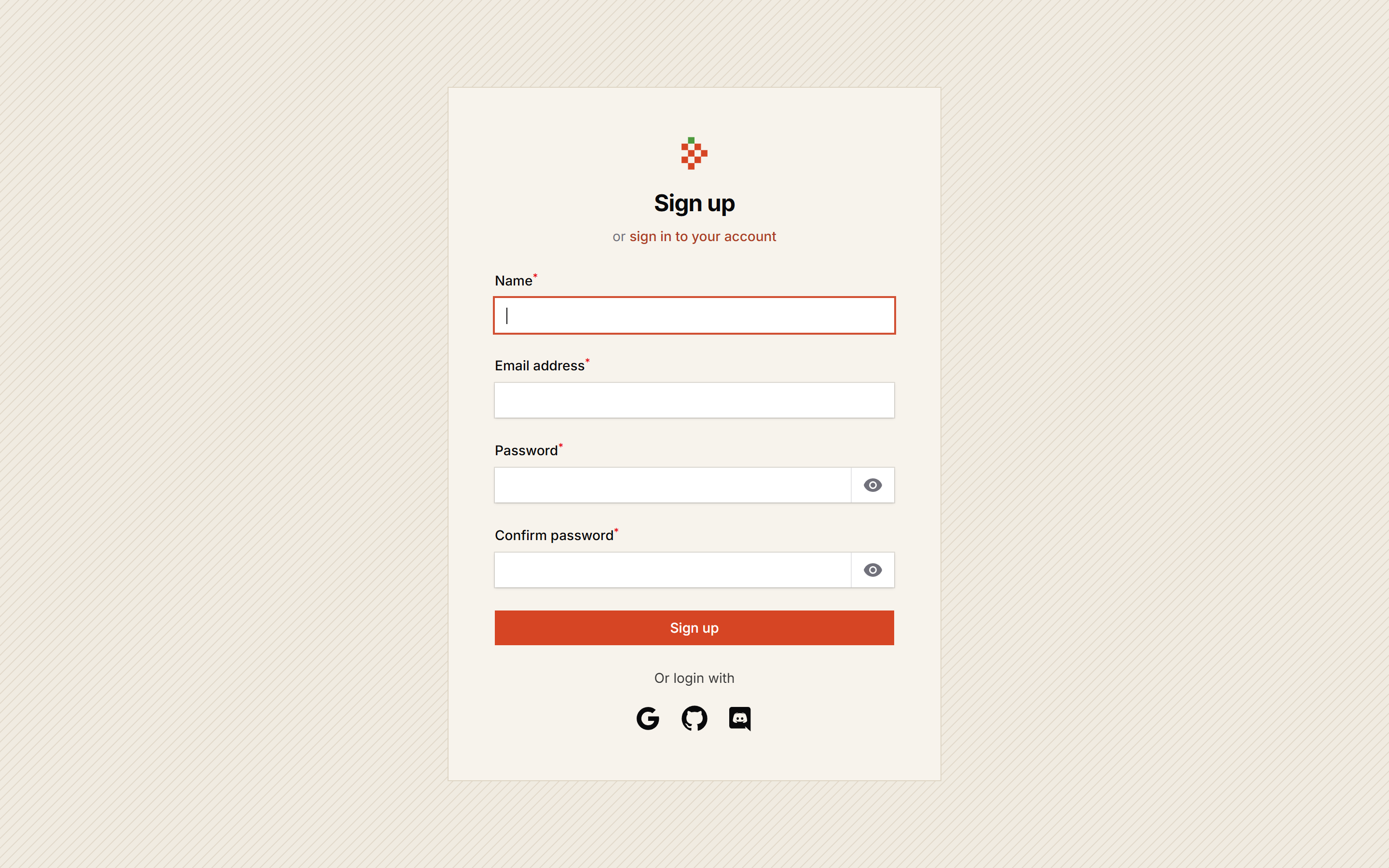
Screenshots
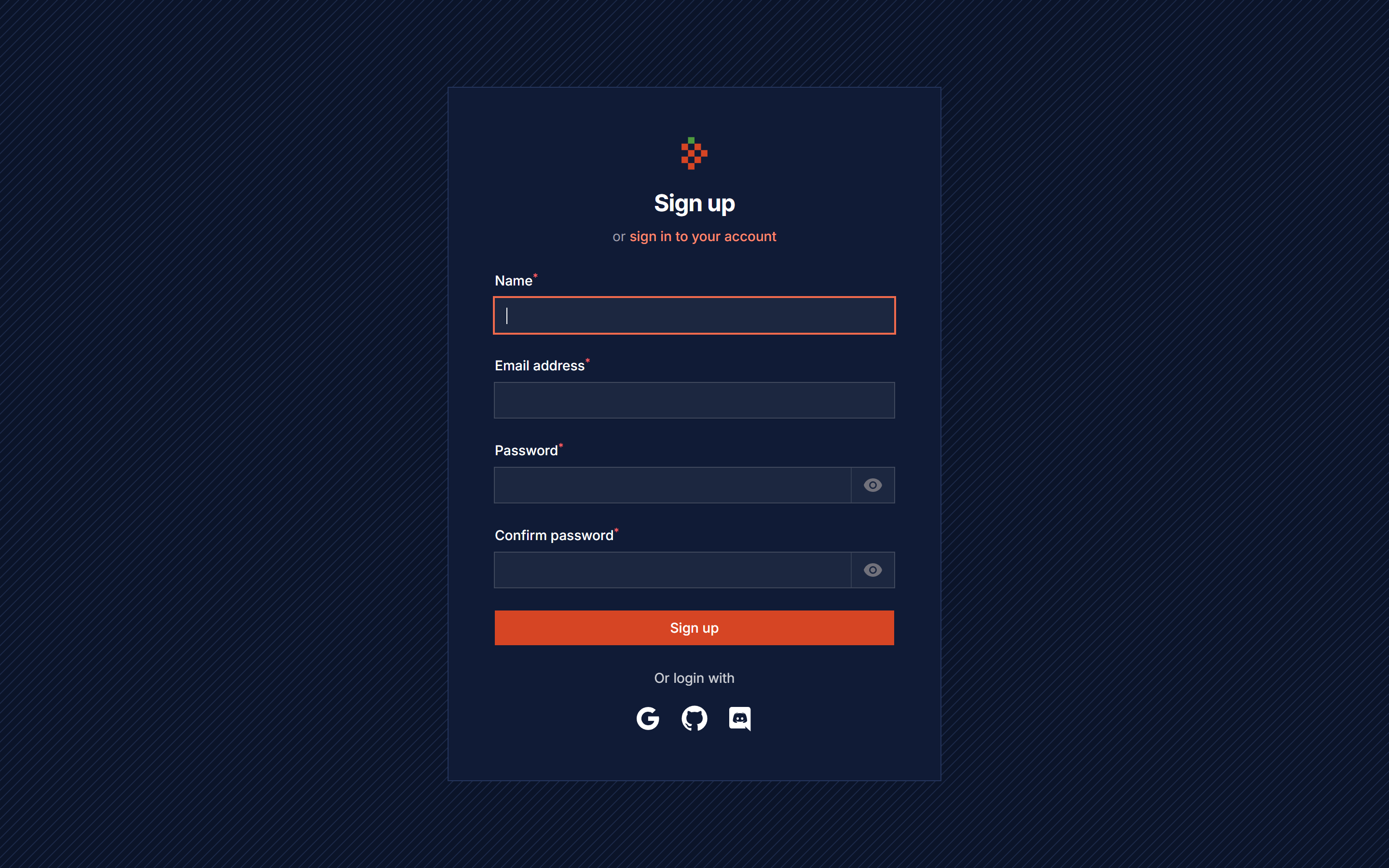
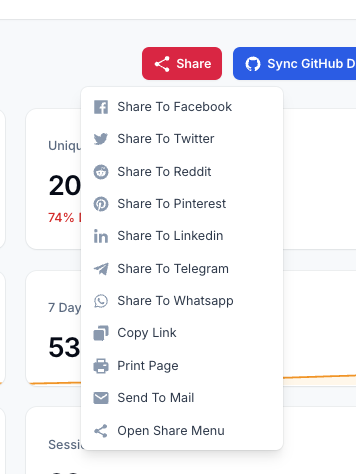
Features
- Social Media Login/Register Pages
- Login With Facebook
- Login With Twitter
- Login With Discord
- Login With GitHub
- Login With Google
- Login With Snapchat
- Share Buttons Action
- Share Buttons Component
- Auto Share Posts To Twitter
- Auto Share Posts To Facebook
Version Compatibility
| Plugin | Filament | Laravel | PHP |
|---|---|---|---|
1.x (v3 branch) |
3.x | 10.x | 11.x | 8.1+ |
| 5.x | 5.x | 12.x | 13.x | 8.2+ |
Installation
composer require tomatophp/filament-social
after install your package please run this command
php artisan filament-social:install
finally register the plugin on /app/Providers/Filament/AdminPanelProvider.php
->plugin(
    \TomatoPHP\FilamentSocial\FilamentSocialPlugin::make()
        ->socialLogin()
        ->socialRegister()
)
on your User model add the TomatoPHP\FilamentSocial\Traits\InteractsWithSocials trait
use TomatoPHP\FilamentSocial\Traits\InteractsWithSocials;

class User extends Authenticatable
{
    use InteractsWithSocials;
}
now on your env you need to add the social media keys
TWITTER_CLIENT_ID=
TWITTER_CLIENT_SECRET=
TWITTER_CLIENT_TOKEN=
TWITTER_REDIRECT_URI=https://tomatophp.test/login/twitter-oauth-2/callback

FACEBOOK_CLIENT_ID=
FACEBOOK_CLIENT_SECRET=
FACEBOOK_REDIRECT_URI=https://tomatophp.test/login/facebook/callback

DISCORD_CLIENT_ID=
DISCORD_CLIENT_SECRET=
DISCORD_URL=https://tomatophp.test/login/discord/callback

SNAPCHAT_CLIENT_ID=
SNAPCHAT_CLIENT_SECRET=
SNAPCHAT_CALLBACK=https://tomatophp.test/login/snapchat/callback

GOOGLE_CLIENT_ID=
GOOGLE_CLIENT_SECRET=
GOOGLE_CALLBACK=https://tomatophp.test/login/google/callback

GITHUB_CLIENT_ID=
GITHUB_CLIENT_SECRET=
GITHUB_URL=https://tomatophp.test/login/github/callback
and you need to allow services on your config/services.php
'twitter' => [
    'client_id' => env('TWITTER_CLIENT_ID'),
    'client_secret' => env('TWITTER_CLIENT_SECRET'),
    'client_token' => env('TWITTER_CLIENT_TOKEN'),
    'redirect' => env('TWITTER_REDIRECT_URI'),
],

'facebook' => [
    'client_id' => env('FACEBOOK_CLIENT_ID'),
    'client_secret' => env('FACEBOOK_CLIENT_SECRET'),
    'redirect' => env('FACEBOOK_REDIRECT_URI'),
],

'discord' => [
    'client_id' => env('DISCORD_CLIENT_ID'),
    'client_secret' => env('DISCORD_CLIENT_SECRET'),
    'redirect' => env('DISCORD_URL'),
],

'snapchat' => [
    'client_id' => env('SNAPCHAT_CLIENT_ID'),
    'client_secret' => env('SNAPCHAT_CLIENT_SECRET'),
    'redirect' => env('SNAPCHAT_CALLBACK'),
],

'google' => [
    'client_id' => env('GOOGLE_CLIENT_ID'),
    'client_secret' => env('GOOGLE_CLIENT_SECRET'),
    'redirect' => env('GOOGLE_CALLBACK'),
],

'github' => [
    'client_id' => env('GITHUB_CLIENT_ID'),
    'client_secret' => env('GITHUB_CLIENT_SECRET'),
    'redirect' => env('GITHUB_URL'),
],
Use Social Share Component
if you like to use share buttons to your view it's very easy to use our blade component
<x-filament-social-share inline facebook twitter pinterest reddit telegram whatsapp linkedin copy print mail />
Use Social Share Action
you can use the share buttons actions like any action on the FilamentPHP and we have multi extend to support Table, Forms, and Pages
use TomatoPHP\FilamentSocial\Filament\Actions\SocialShareAction;

public function actions(): array
{
    return [
        SocialShareAction::make()
            ->inline()
            ->facebook()
            ->twitter()
            ->pinterest()
            ->reddit()
            ->telegram()
            ->whatsapp()
            ->linkedin()
            ->copy()
            ->print()
            ->mail()
    ];
}
you can use the button as a dropdown or you can use it as inline icons buttons using ->inline() method
Share a specific url
by default the buttons share the current page, to share a specific record (for example a post from a table row) pass the url and title
SocialShareAction::make()
    ->facebook()
    ->twitter()
    ->shareUrl(fn (Post $record): string => route('posts.show', $record))
    ->shareTitle(fn (Post $record): string => $record->title)
<x-filament-social-share inline facebook twitter url="{{ route('posts.show', $post) }}" title="{{ $post->title }}" />
Social Auth Events
we have 2 events that you can listen to
TomatoPHP\FilamentSocial\Events\SocialLoginTomatoPHP\FilamentSocial\Events\SocialRegister
you can listen to these events and do your logic
Support Profile Picture And Username
some platforms will not gave you an access to email but it will give you the username to support that we add a migration to change on users table you can copy it and run it on your own table if you are using a custom table
$table->string('profile_photo_path', 2048)->nullable();
$table->string('email')->nullable()->change();
$table->string('username')->nullable()->unique();
Publish Assets
you can publish config file by use this command
php artisan vendor:publish --tag="filament-social-config"
you can publish views file by use this command
php artisan vendor:publish --tag="filament-social-views"
you can publish languages file by use this command
php artisan vendor:publish --tag="filament-social-lang"
you can publish migrations file by use this command
php artisan vendor:publish --tag="filament-social-migrations"
Other Filament Packages
Checkout our Awesome TomatoPHP
Related Packages
Account Balance / Wallets Manager For FilamentPHP and Filament Account Builder
Manage subscriptions and feature access with customizable plans in FilamentPHP
The standalone version Blade Template Engine from Laravel in a single php file
Random is a simple helper package designed to make it easy to generate a range o...
Version History
| Version | Released | PHP | License |
|---|---|---|---|
| 5.0.0 | ^8.2 | MIT | |
| v1.0.0 | ^8.1| | MIT |